Want to see what services a business has listed on their Google Business Profile? Whether you're checking your own listing or scoping out a competitor, GMB Everywhere lets you find this in seconds. This guide walks you through how to do it and why it matters.
How to See Services on Any Profile
You'll need the free GMB Everywhere Chrome extension. Go to gmbeverywhere.com and click Install Chrome Extension.
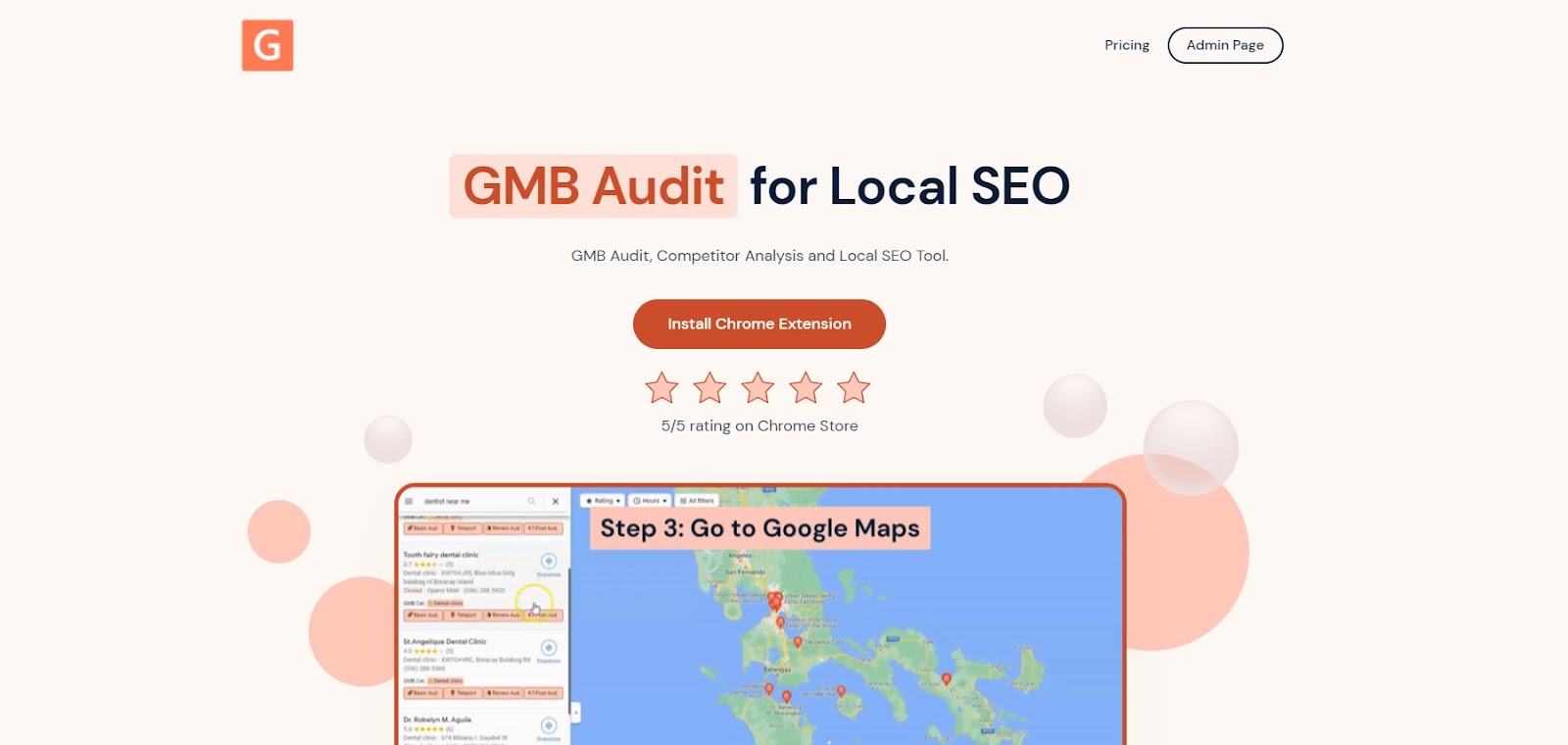
The GMB Everywhere homepage.
You'll be taken to the Chrome Web Store. Click Add to Chrome.
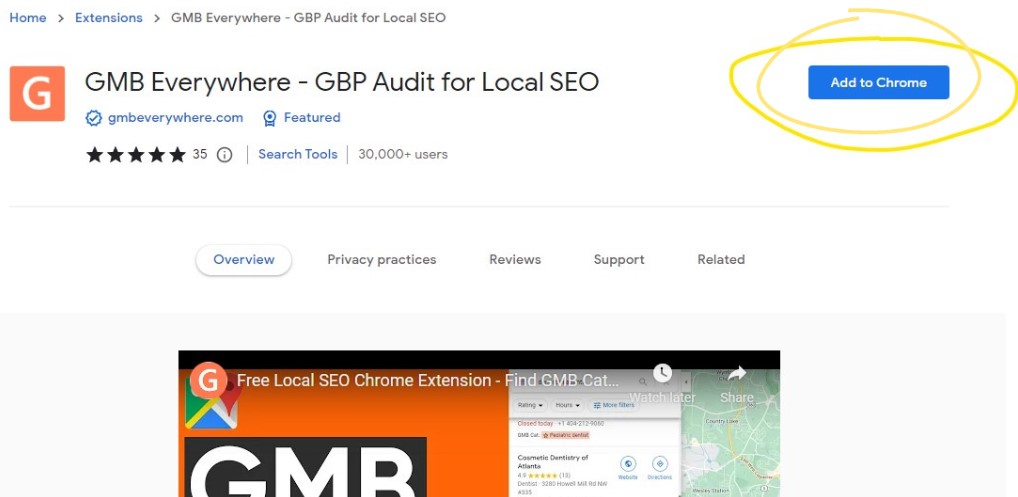
The Chrome Web Store page for GMB Everywhere.
Once installed, go to maps.google.com and search for the business you want to check.
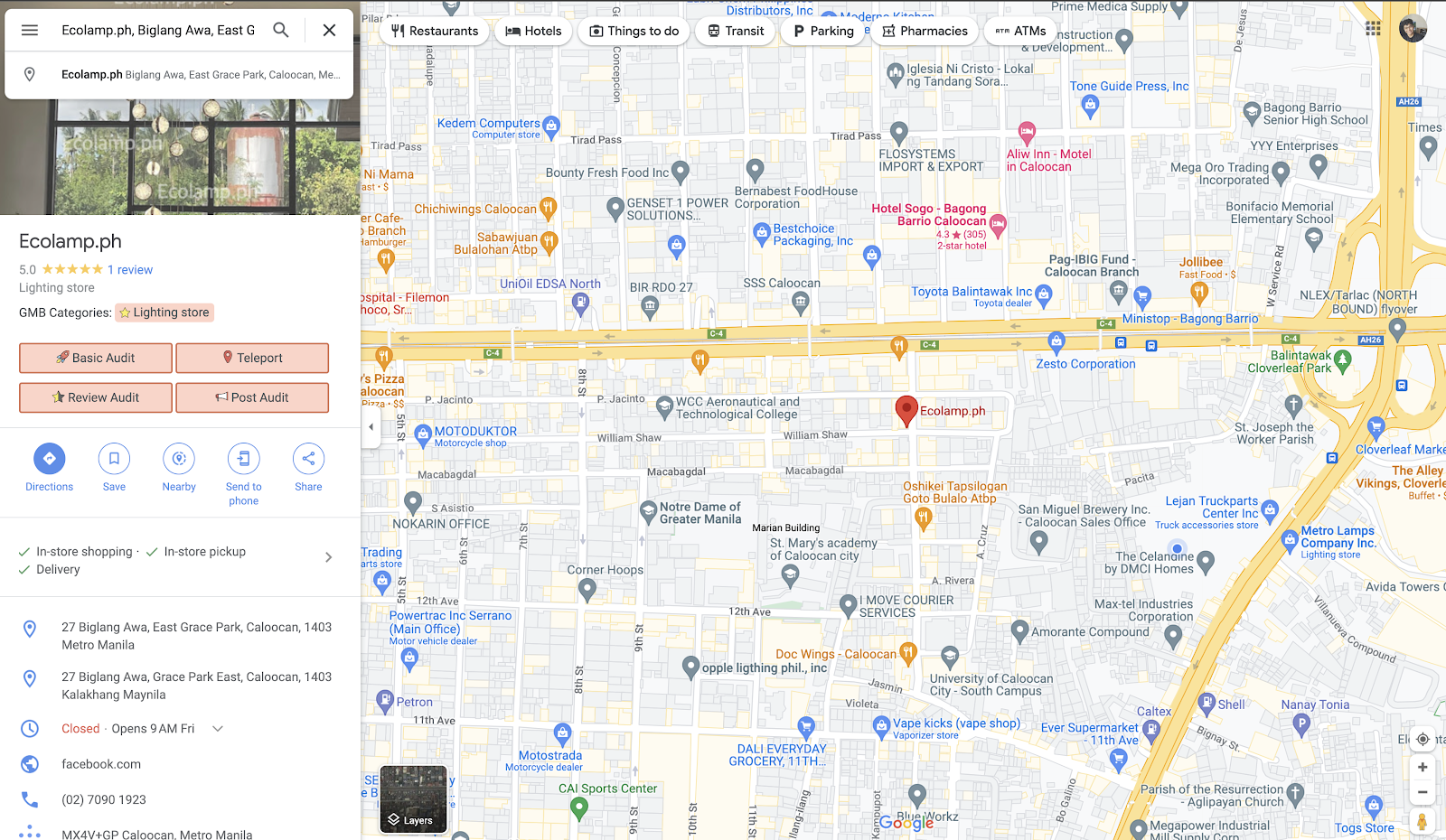
GMB Everywhere buttons appear on the business listing.
You'll see GMB Everywhere buttons in the left panel. Click Basic Audit to open the audit page.
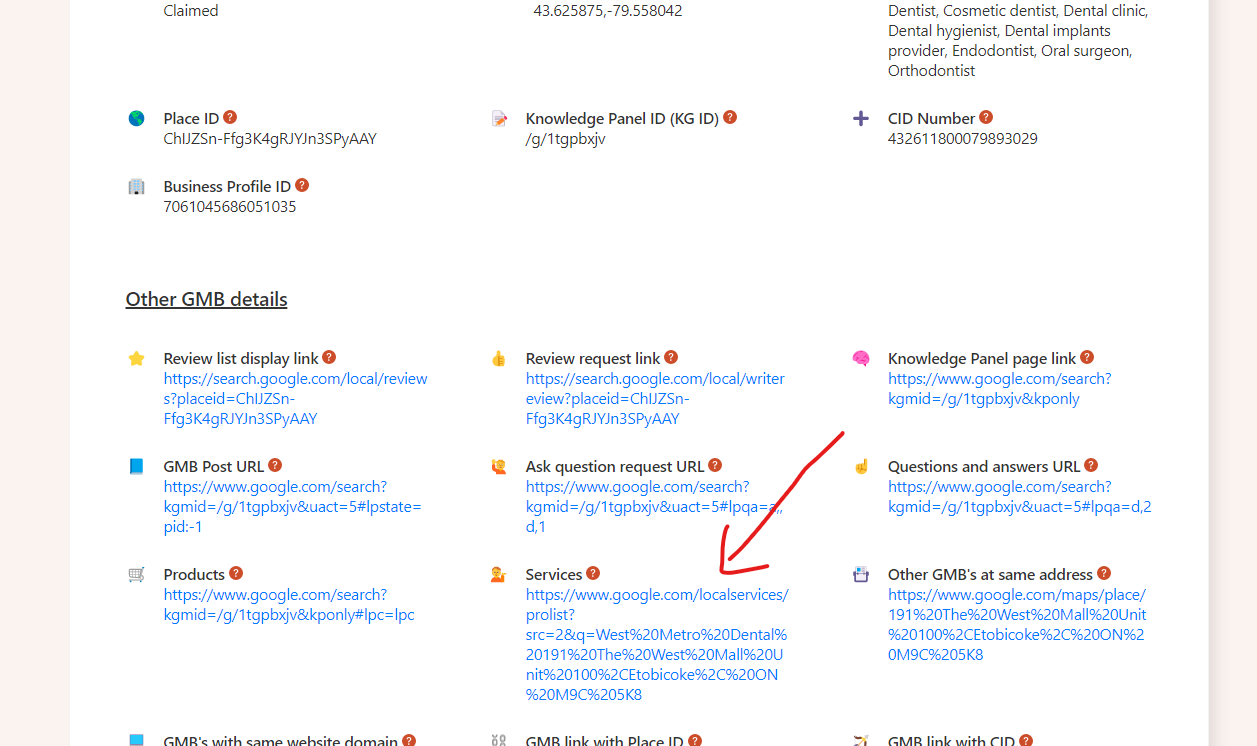
In the Other GMB Details section, look for the Services link. Click it to see all the services listed on that profile.
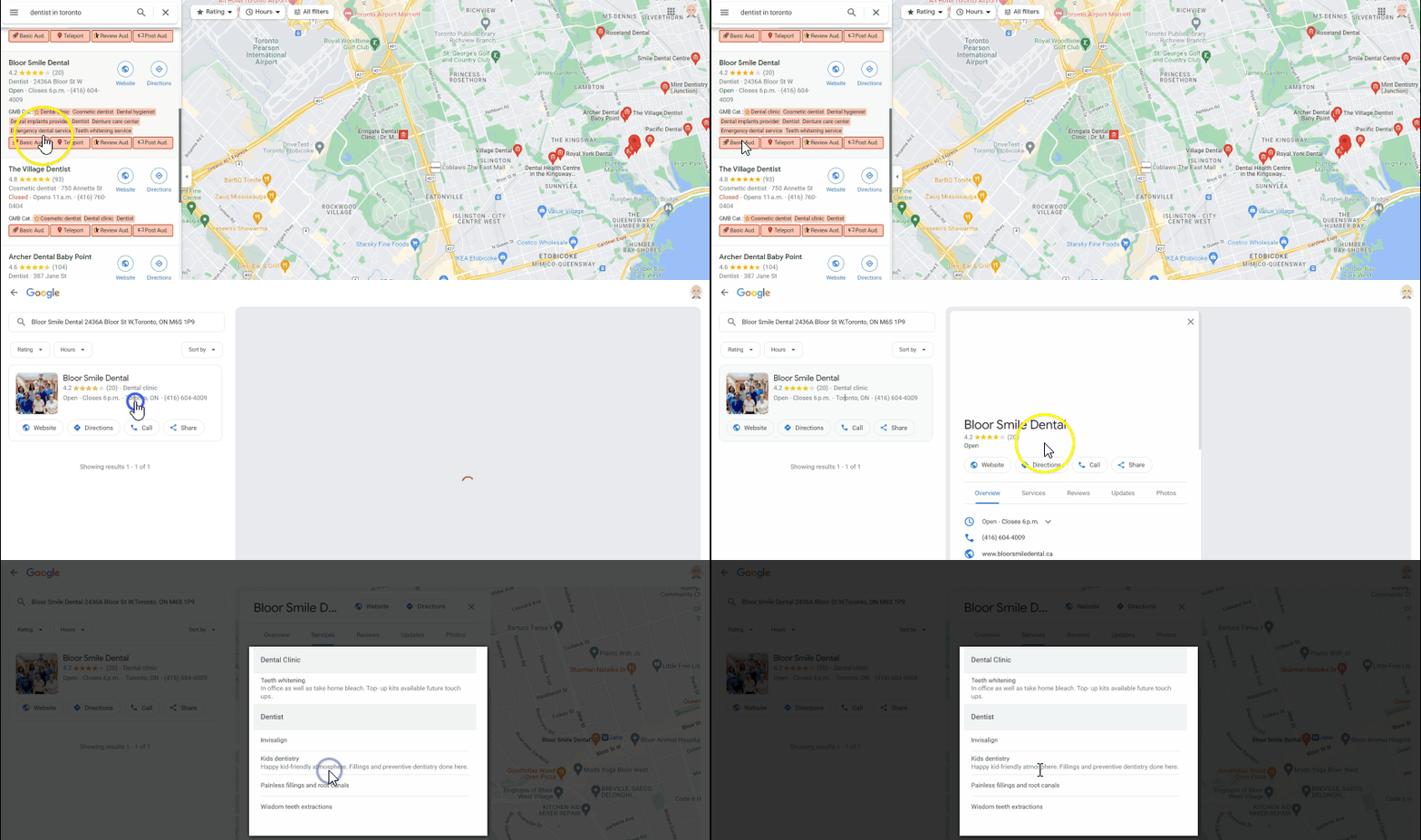
The Services section for a profile. If the business hasn't added any services, this section will be blank.
Why Your Services List Matters
Your services list tells both Google and potential customers what you actually do. When someone searches for a specific service, Google uses this information to decide whether to show your profile. A blank or incomplete services list means you're invisible for those searches.
Here's why it's worth filling out:
- You show up in more searches: Each service you list is another keyword Google can match to relevant searches. More services listed means more chances to be found.
- Customers can decide faster: When people can see exactly what you offer and what it costs, they're more likely to pick you over a competitor with less information.
- You can earn more per customer: When people see the full range of what you offer, they may try additional services they didn't know about, increasing what they spend.
Tips for a Better Services List
- Be specific: Describe each service clearly. Skip the jargon and use words your customers would actually search for.
- Include keywords: Think about what someone would type into Google to find your service, and use those words in your descriptions.
- Add prices: Listing prices helps people decide faster and sets the right expectations before they contact you.
- Use good photos: High-quality images make your profile look more professional and trustworthy.
- Keep it current: If you add or remove services, update your list so it always reflects what you actually offer.
Conclusion
A complete services list helps you show up in more searches and gives customers a clear picture of what you offer. Use GMB Everywhere to check what services your competitors have listed, then make sure your own profile is just as thorough.
For more ways to improve your Google Business Profile, check out our guide articles.