Your Google Business Profile can bring calls, clicks, and bookings, but only if it's in good shape. A quick check every quarter keeps your info accurate and your profile looking fresh. This guide walks you through a simple 30-minute audit you can repeat four times a year using GMB Everywhere.
Why a Quick Quarterly Audit Works
Google updates local search regularly, from new categories to changes in review rules and how results are displayed. Their own ranking guide says to keep your info accurate and up to date. A short check every three months catches issues early, before they cost you visibility.
Get Your Baseline
Start by opening your Google Business Profile and going to the Performance tab. Write down your current calls, website clicks, and direction requests. This is your "before" snapshot so you can measure progress later.
Then install or open GMB Everywhere in Chrome (install the extension, pin it, and log in).
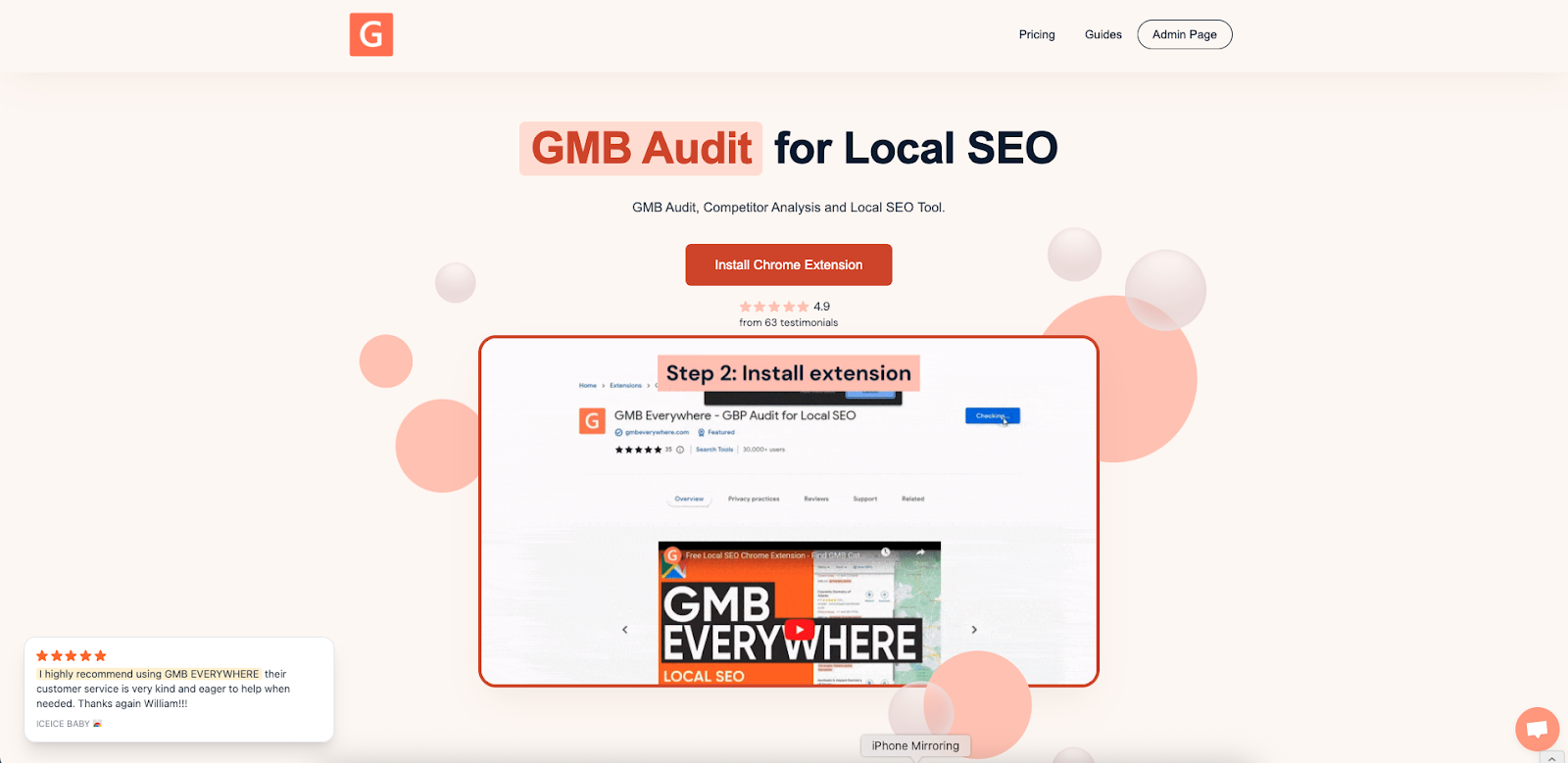
From the extension you can run a Basic Audit, Post Audit, and Review Audit all in one place.
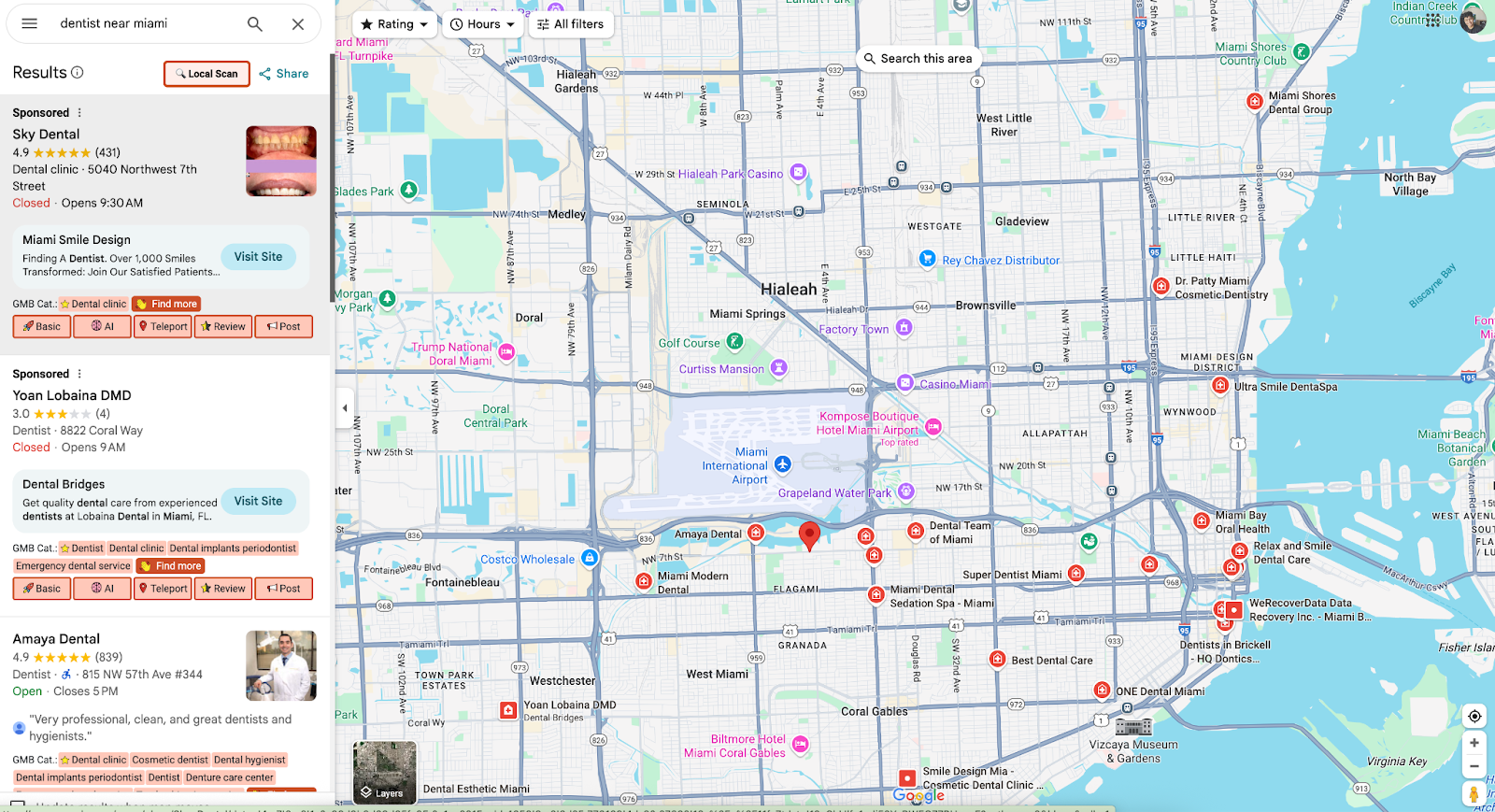
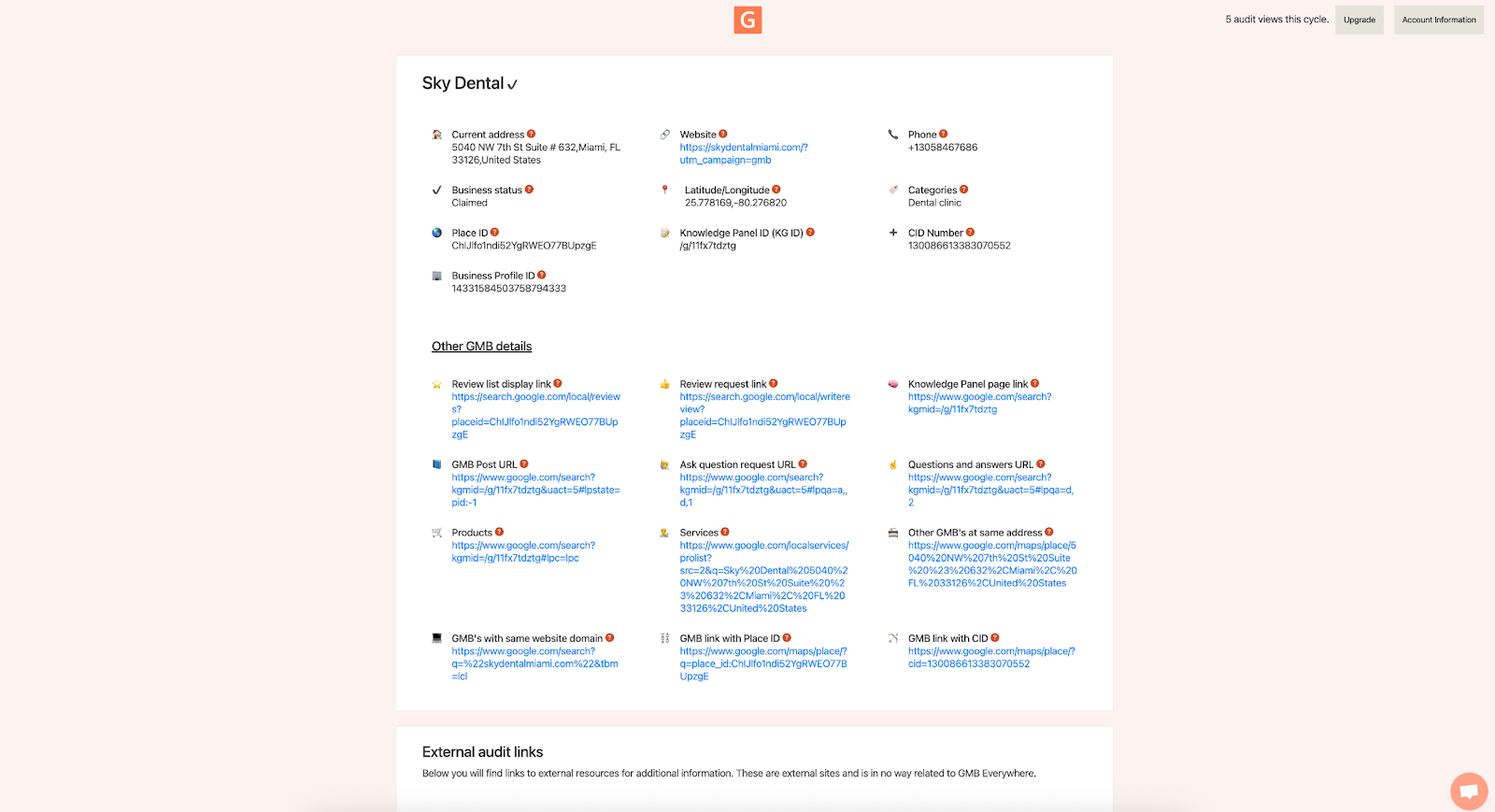
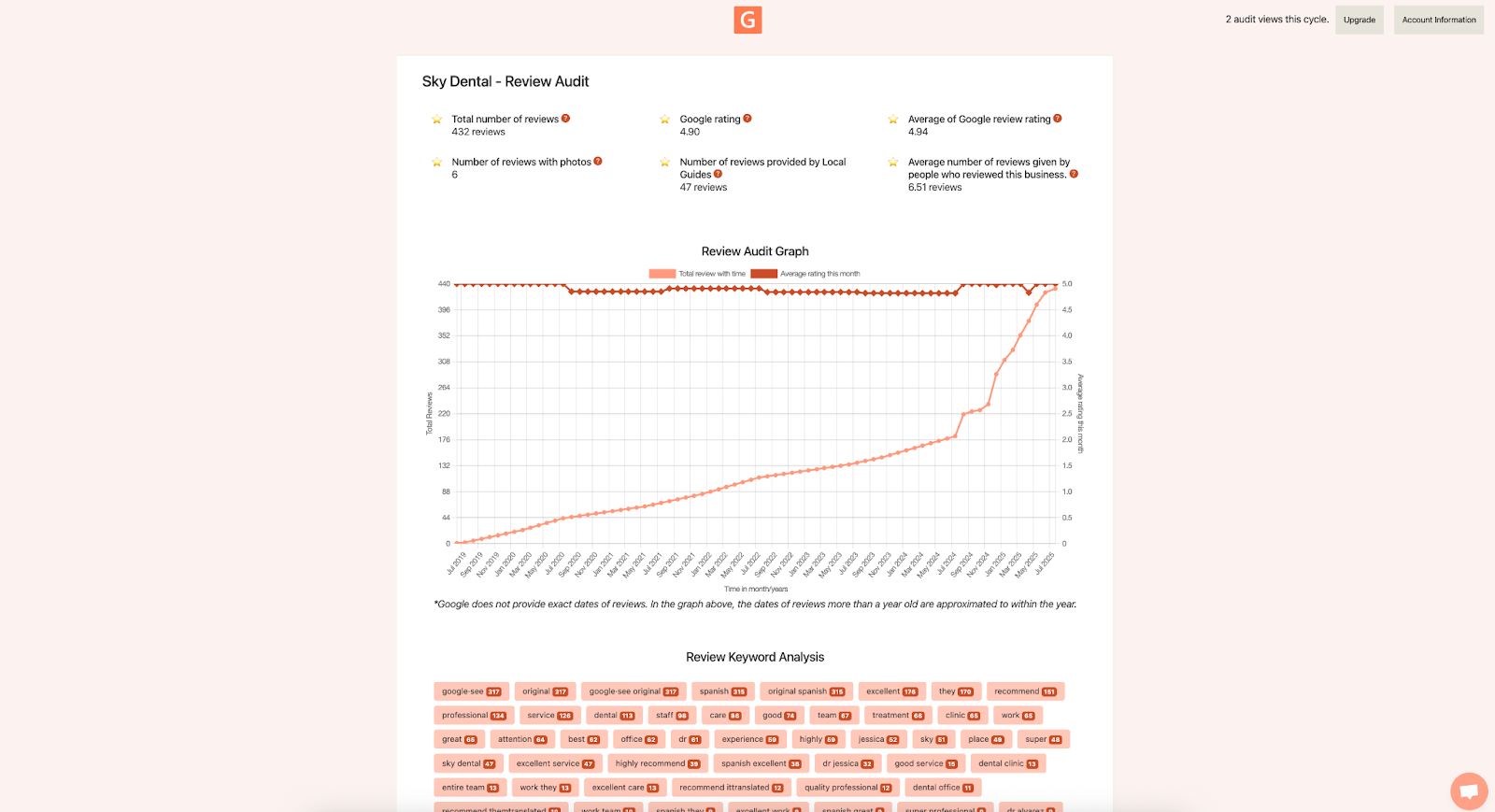
Scan the Essentials
Instead of a long checklist, work through your profile in five quick passes:
A. Identity & Access
- Make sure your name, address, and phone number (NAP) match everywhere: your profile, your website, and any other listings. Use the Basic Audit NAP tab to check.
- Confirm your primary and secondary categories still describe what you do. Update them under Edit profile → Business category.
B. Services & Attributes
- List 5 to 10 key services with short descriptions and clear prices. Edit them under Edit profile → Services.
- Turn on useful attributes like "Online appointments" or "Women-led" under More. These help customers pick you over competitors.
- Need ideas? Use Service Finder in the GMB Everywhere AI tools dashboard to find services people actually search for.
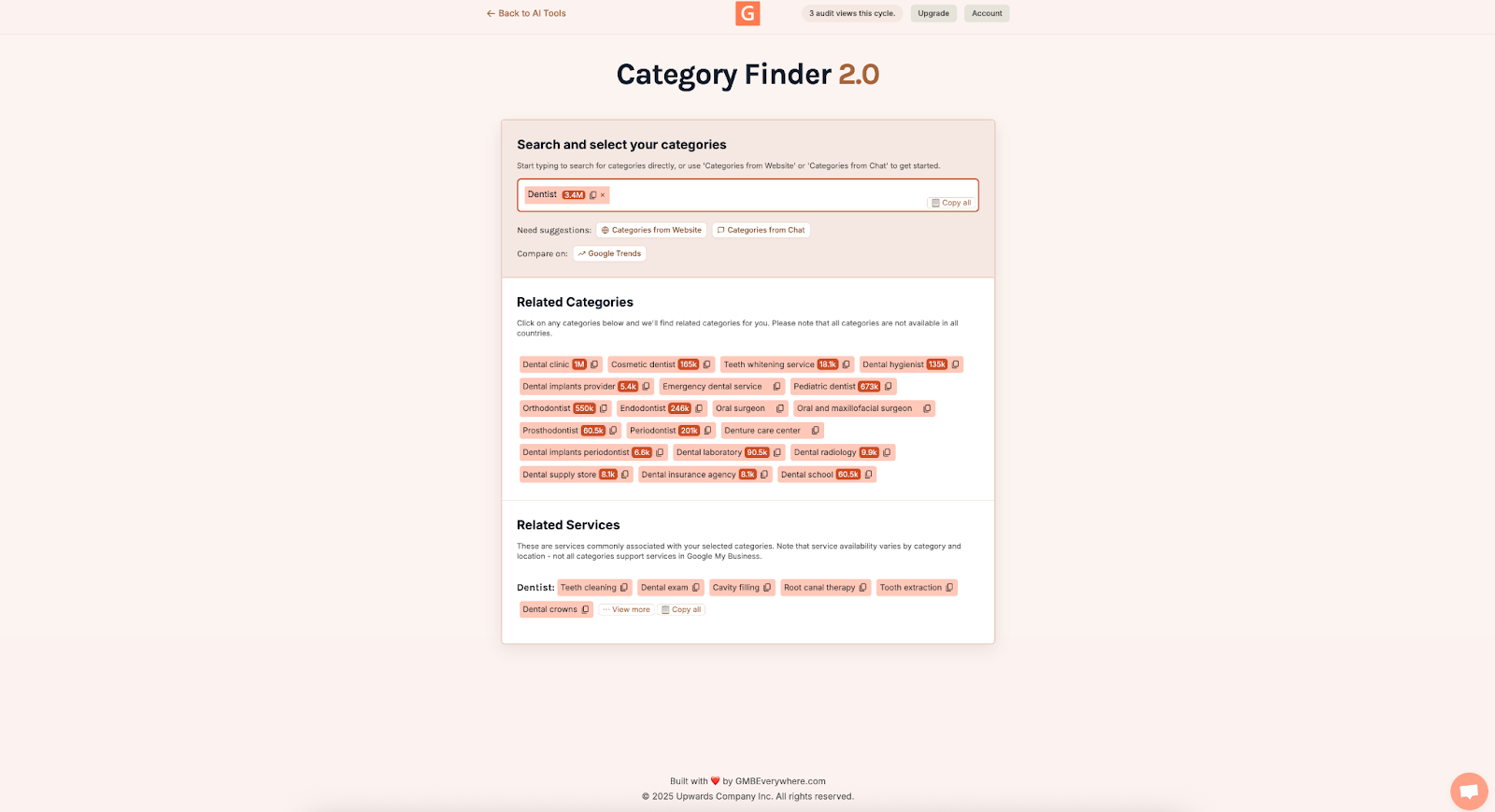
C. Visuals & Freshness
- Add recent photos and at least one short video.
- Make sure something new was uploaded in the last 90 days so your profile looks active.
- Use your phone for quick shots of your team, projects in progress, and finished work.
D. Reviews & Q&A
- Aim for a rating above 4.3 and reply to every review within a day or two.
- Add common Q&As to your profile. You can write and answer them yourself. The AI Q&A Generator in GMB Everywhere speeds this up.
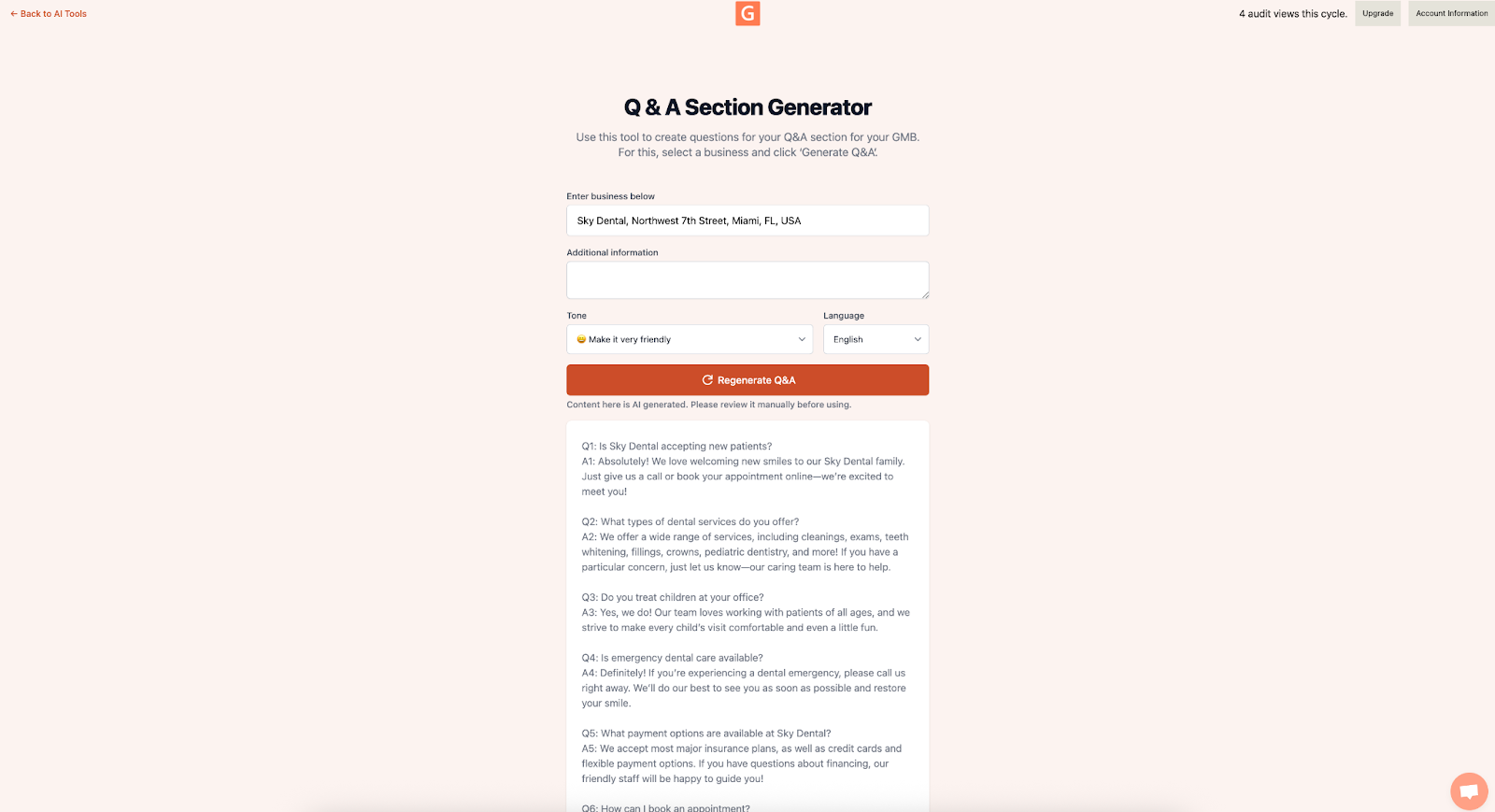
E. Posts & Links
- Publish a fresh post at least once a week (Offers, Events, or Updates).
-
Add a UTM tag to your website link (for example,
?utm_source=google&utm_medium=organic&utm_campaign=gbp_audit) so Google Analytics can show traffic coming from your profile. - The GMB Everywhere Post Generator can help you write posts quickly.
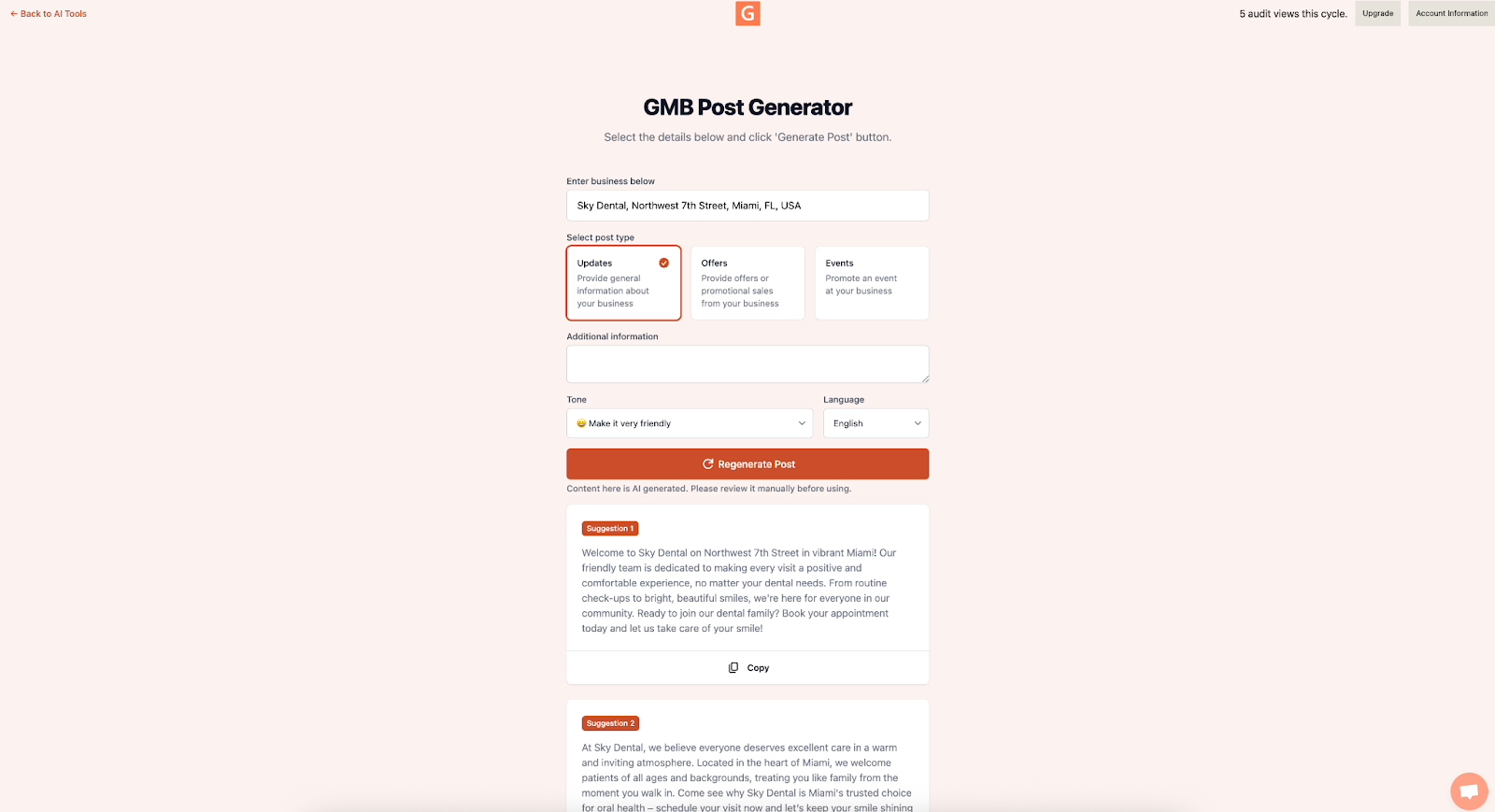
Common Roadblocks & Easy Wins
- Don't focus only on reviews. Correct NAP info and the right categories often move your ranking faster.
- Don't overload services. Stick to the ones that bring real revenue and clicks.
- Check your site speed. A slow landing page hurts conversions, no matter how good your profile looks.
- Keep notes. A quick before-and-after log shows what's actually working.
Conclusion
Thirty minutes is all it takes to keep your Google Business Profile in great shape. Check the essentials, fix what matters most, and note your results. Install GMB Everywhere, open the AI tools dashboard, and run through this checklist once a quarter. You'll see steady improvements in calls, views, and bookings over time.