Unclaimed listings on Google Business Profile are businesses that haven't verified their presence on Google. They often have missing photos, outdated hours, or wrong contact info. If you're a marketer, these profiles are potential leads — business owners who could use your help getting set up.
Why Unclaimed Listings Matter
Unclaimed profiles tend to rank lower and look incomplete, but they still show up in local results. Finding them gives you two advantages:
- Build a prospect list. An unclaimed profile is a strong signal that the owner may need help with setup and optimization. That's a potential client or partner.
- Start conversations. Reach out to the business owner with a straightforward plan to claim, verify, and improve their profile.
How to Find Unclaimed Listings with Local Scan
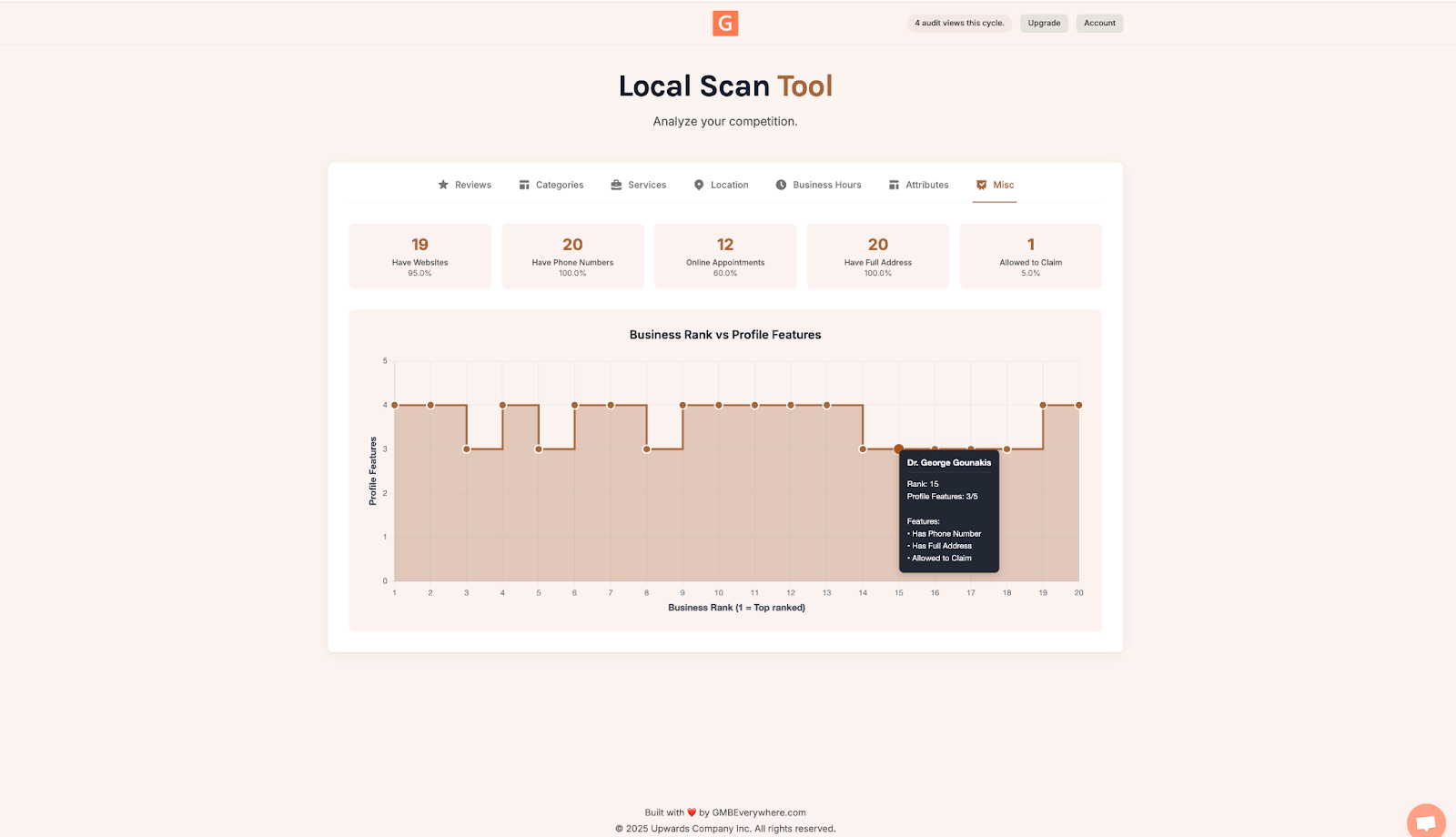
Local Scan from GMB Everywhere shows you which nearby businesses have unclaimed profiles. The Misc tab highlights listings marked "Allowed to claim," which means they haven't been verified by an owner yet. Here's how to use it.
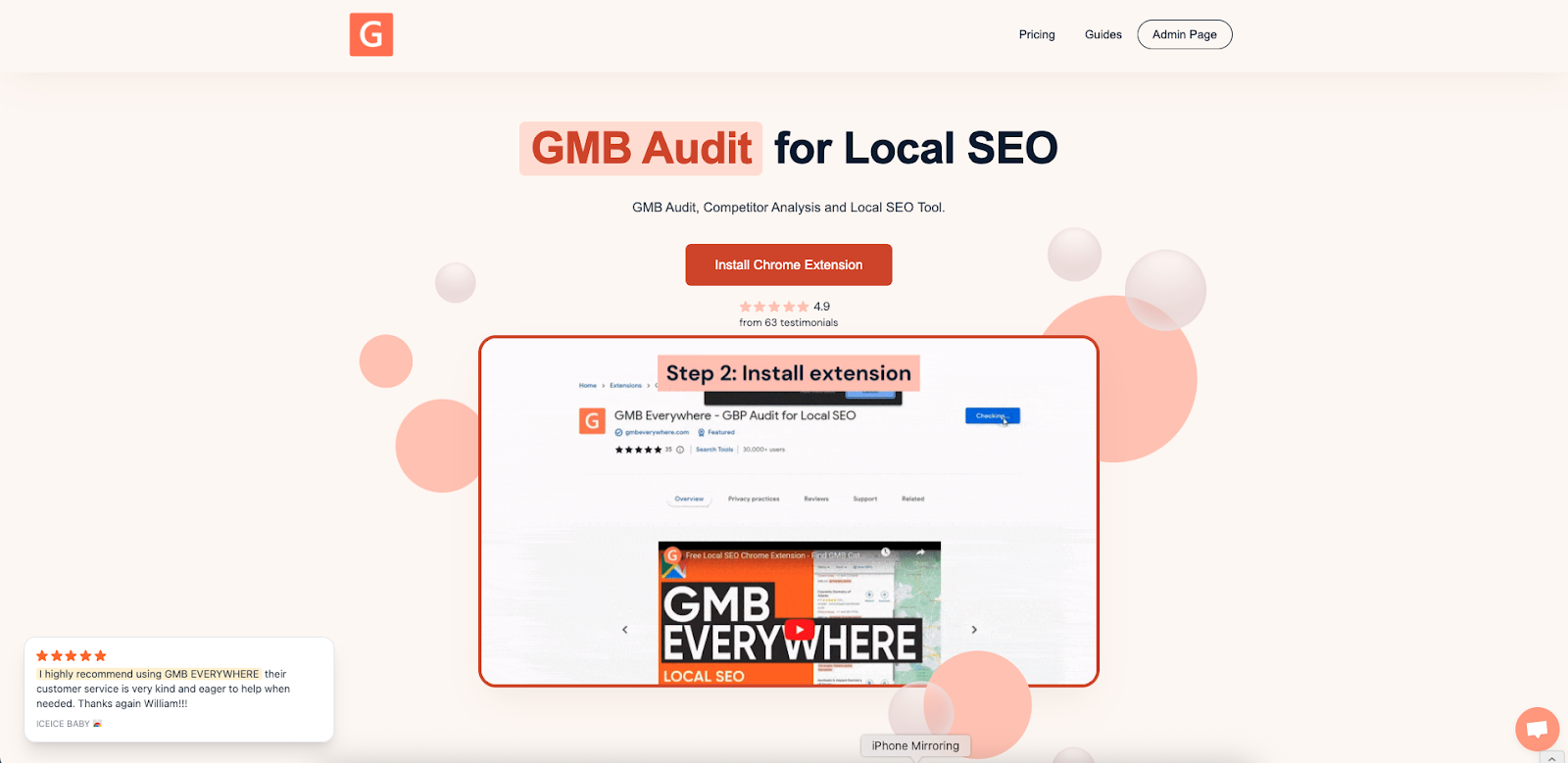
Step 1: Head to gmbeverywhere.com and add the extension to your Chrome browser.
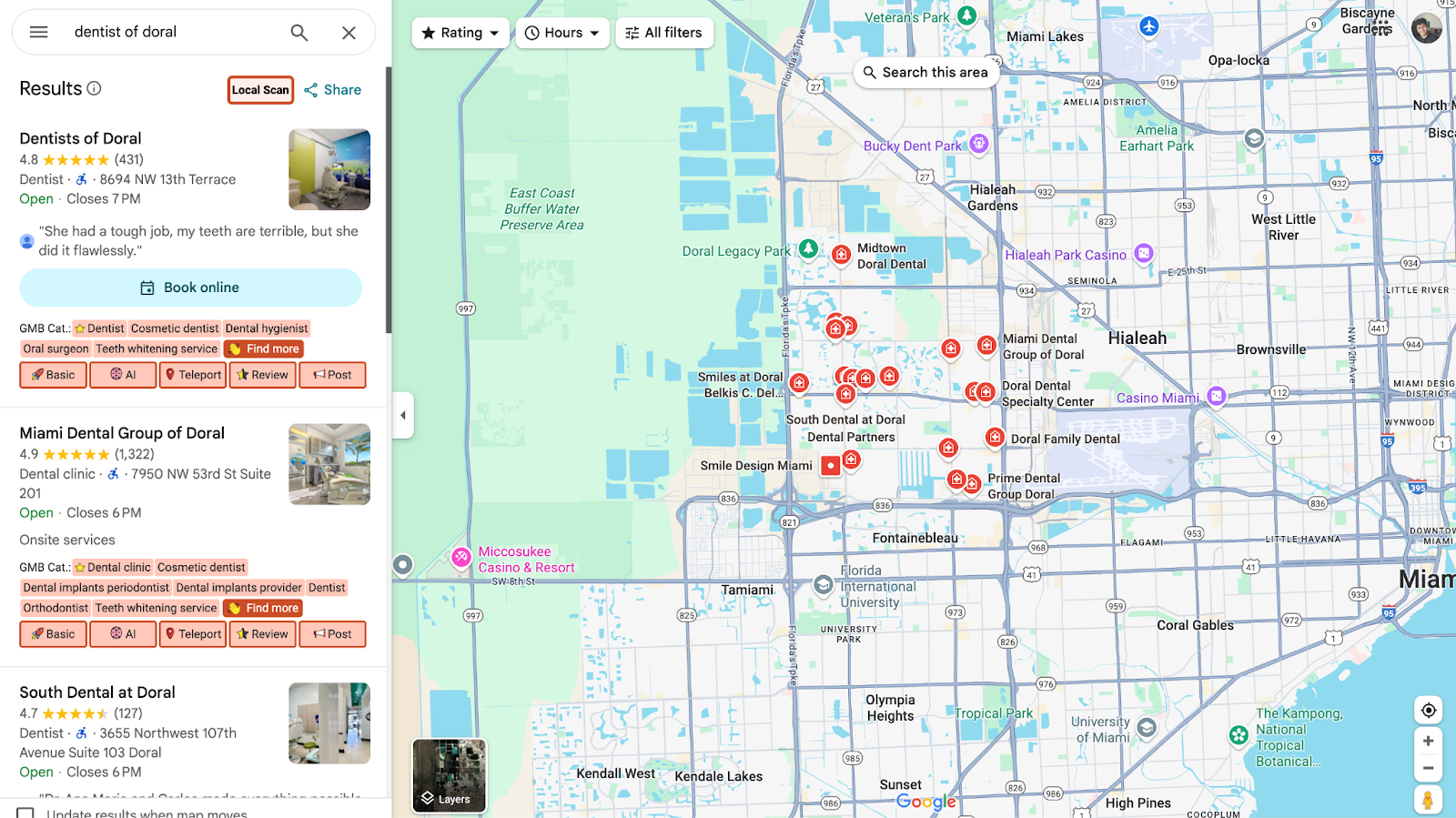
Step 2: Open Google Maps and search for a business name. Click Local Scan.
Step 3: A new tab opens with the scan results. Click the Misc tab to see which listings are unclaimed. You can view a sample scan above.
What You Can Offer the Business Owner
Once you find unclaimed profiles, you have a clear reason to reach out. Here's the value you can bring to each business owner:
- Help them claim their listing. Only the owner can claim a profile. You walk them through the verification process so they control their presence on Google.
- Fix the basics. Set up the correct name, address, phone number, hours, categories, and services from day one.
- Turn on growth features. Posts, photos, messaging, booking links, and Q&A help turn searches into actual calls and visits.
- Build their credibility. A verified, active profile looks trustworthy and shows up accurately for nearby customers.
- Deliver quick results. Once a profile is claimed and filled out, the owner typically sees more calls, website clicks, and direction requests.
Conclusion
Run a free Local Scan, check the Misc tab, and you'll have a list of unclaimed profiles in seconds. From there, you can reach out to those business owners with a clear plan to help. For more tips, visit our guides section.