In this guide, we’ll show you how to review your competitors’ Google Business Profile (GBP) post strategy so you can learn from their approach and improve the performance of your own posts.
What is a GBP Post?
Right inside your Google Business Profile account, posts are a great way to connect with your existing and potential customers. With GBP Posts, you can create announcements, updates, news, promos, or event details for your customers to see. These posts appear in the Updates or Overview tab on Google Search on mobile, or the From the Owner section on Google Search on desktop.
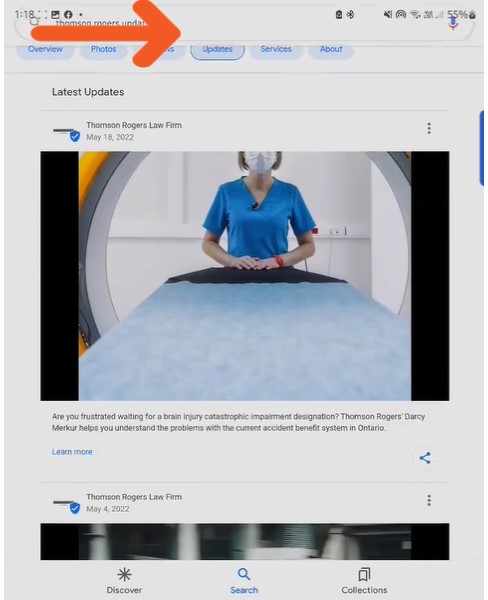
Where GBP Posts appear on Google Search

GBP Posts as seen in the Google Knowledge Panel
How to Use the GMB Everywhere Post Audit
Aside from Details and Links audits, the GMB Everywhere Chrome extension includes a Post Audit that gives you valuable insights into your competitors’ posting habits.
Step 1: Install GMB Everywhere
You will need the GMB Everywhere extension installed on your Chrome browser. Go to gmbeverywhere.com and click the Install Chrome Extension button.
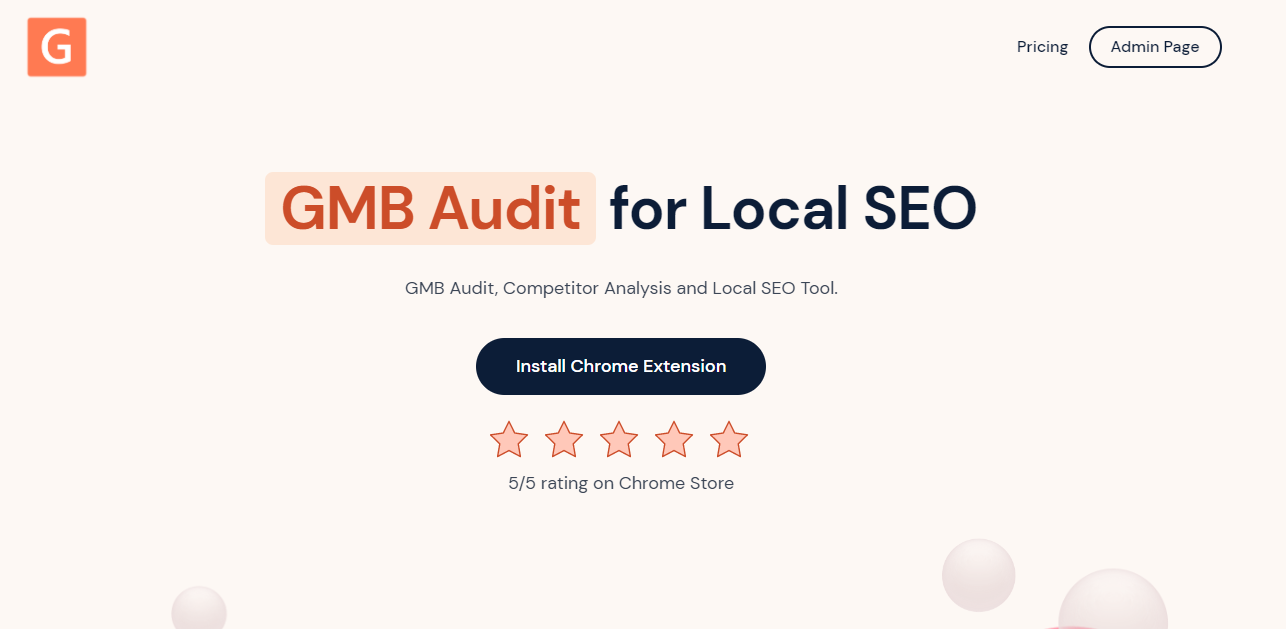
GMB Everywhere website — click ‘Install Chrome Extension’ to get started
Step 2: Search Your Competitor
After installation, go to maps.google.com and search for your competitor’s business name.
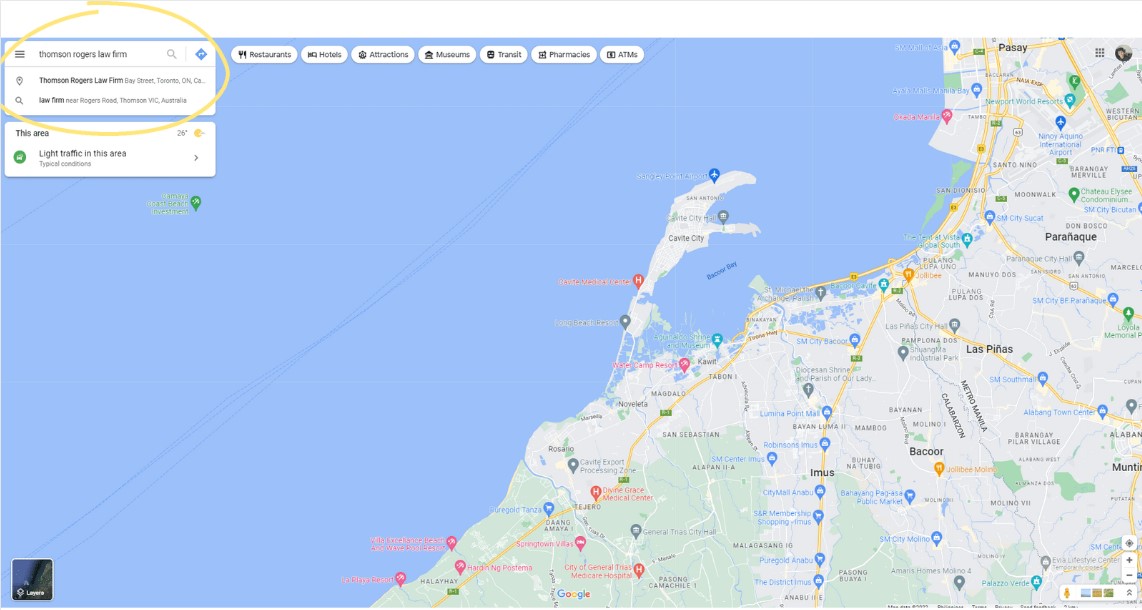
Search for a competitor by business name in Google Maps
In the search results on the left side, click the Post Audit button. You will be taken to the GMB Everywhere Post Audit page.

The Post Audit button in the GMB Everywhere extension
Step 3: Check the Post Audit Insights
At the top of the Post Audit page, you will see the Number of Posts Per Date and the Cumulative Posts Till Date. You can customize the graph by clicking the legend labels to show or hide specific lines.
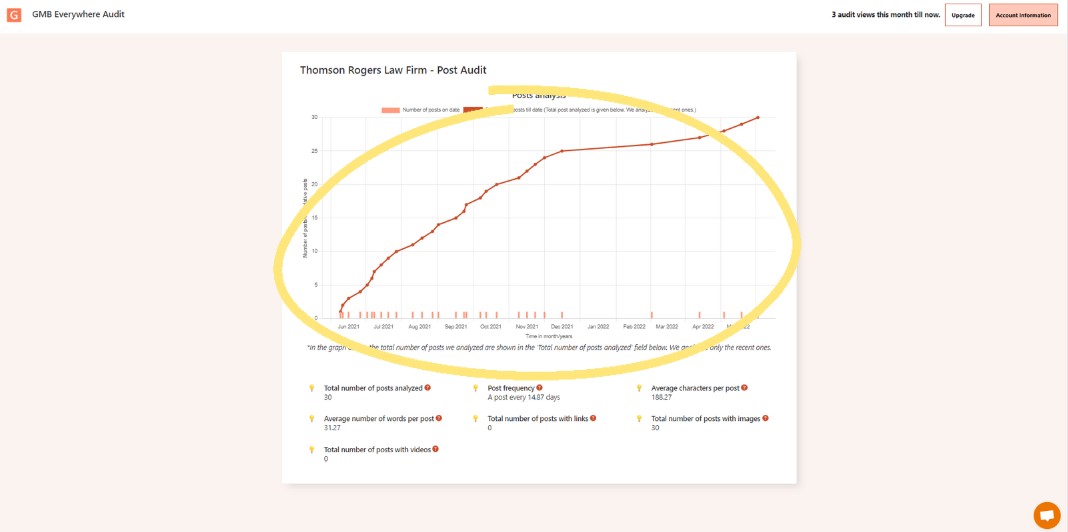
Post Audit graph showing GBP post frequency over time
Below the graph, you will see a summary based on the competitor's last 30 GBP posts. This includes:
- Total number of posts analyzed
- Average number of words per post
- Total number of posts with videos
- Post frequency
- Total number of posts with links
- Average characters per post
- Total number of posts with images
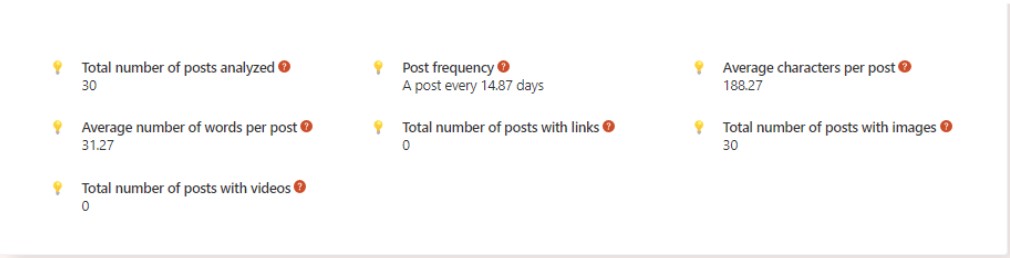
Post Audit summary of the competitor’s last 30 GBP posts
Watch: GBP Post Audit Walkthrough
Conclusion
Knowing how your competitors post on Google Business Profile gives you a clear picture of what’s working in your market. Use the GMB Everywhere Post Audit to spot gaps in their strategy, set a better posting schedule for your own business, and improve the quality of your content.
Want to go further? Check out our guide on how to review your competitors’ Google review strategy for more competitive research tips, or browse our guide articles section.