Some businesses travel to their customers instead of working from a fixed storefront. Google lets these businesses define a service area on their profile so customers know whether they're covered. This guide shows you how to look up the service area of any business using GMB Everywhere.
What Is a Service Area?
A service area is the geographic region where a business is willing to travel to serve customers. On Google Business Profile, it can be set in two ways:
- Specific locations – The business lists the cities, zip codes, or regions it covers.
- Radius around a location – The business sets a distance from its base (e.g., 25 miles).
Keep in mind that the method below only works when a business has actually set a service area on their profile. Not all businesses use this feature.
How to Find a Business's Service Area
Step 1: Install the GMB Everywhere Chrome extension. Visit gmbeverywhere.com and click Install Chrome Extension.
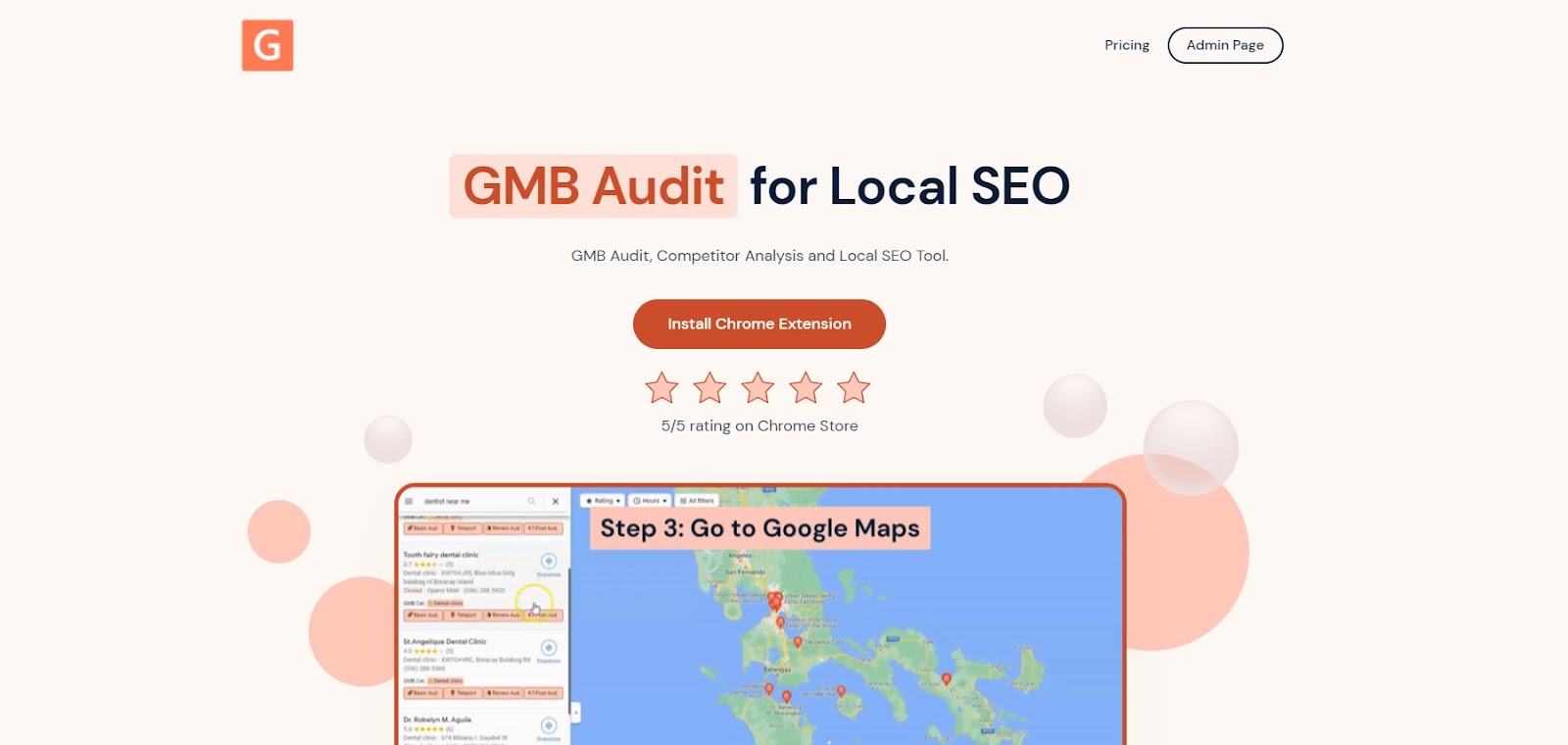
The GMB Everywhere homepage
On the Chrome Web Store page, click Add to Chrome.
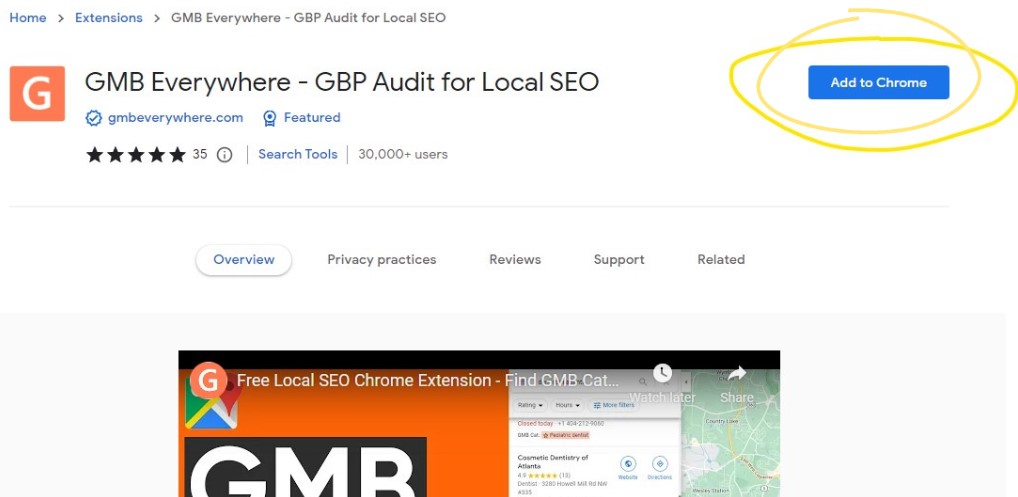
The Add to Chrome button on the Chrome Web Store
Step 2: Go to maps.google.com and search for the business you want to check.
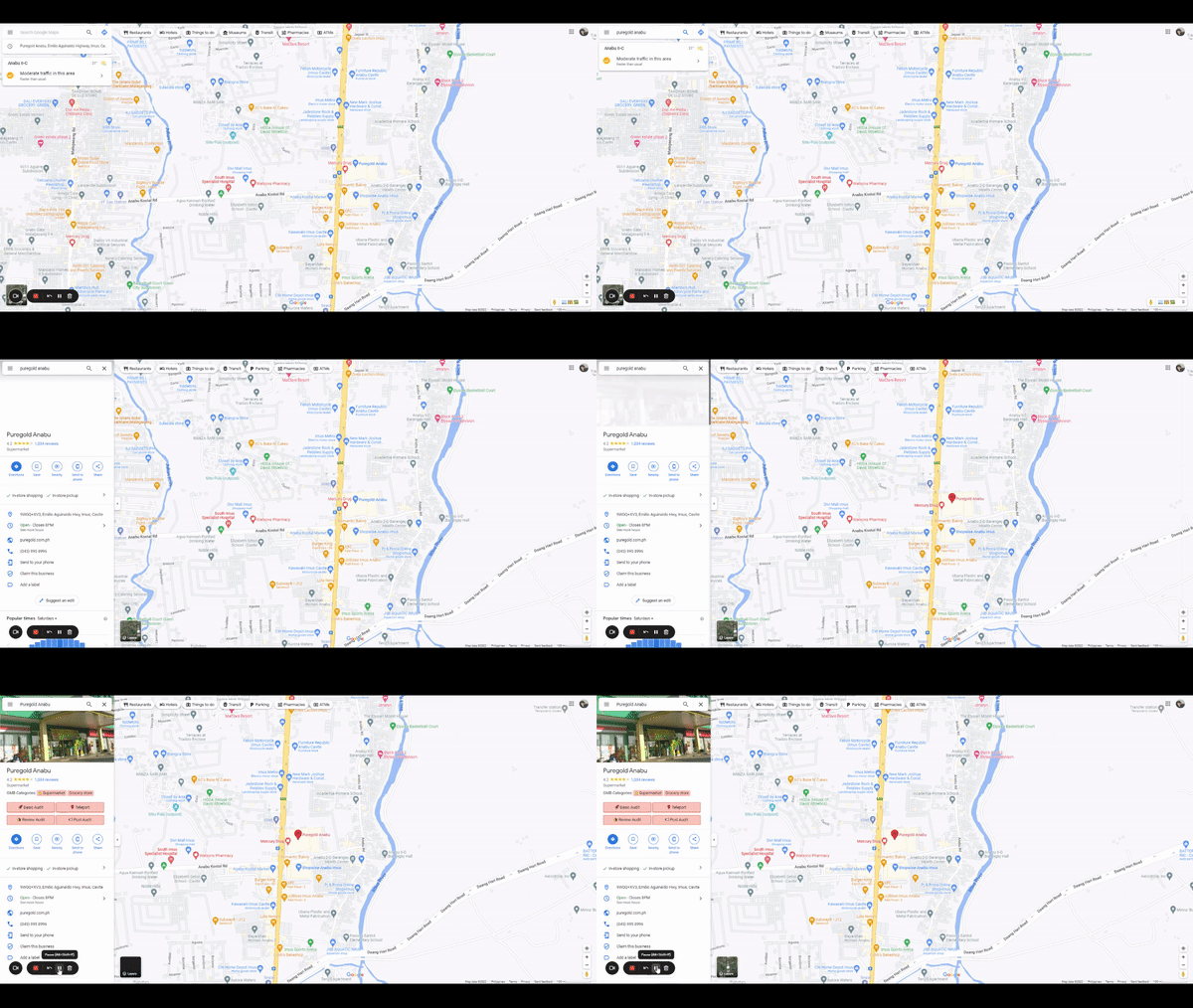
Searching for a business on Google Maps
Step 3: In the search results, click the Basic Audit button. This opens the audit page, which shows profile details and useful links. Look for the Knowledge Panel Link at the top and click it — this takes you to the knowledge panel where the service area is displayed.
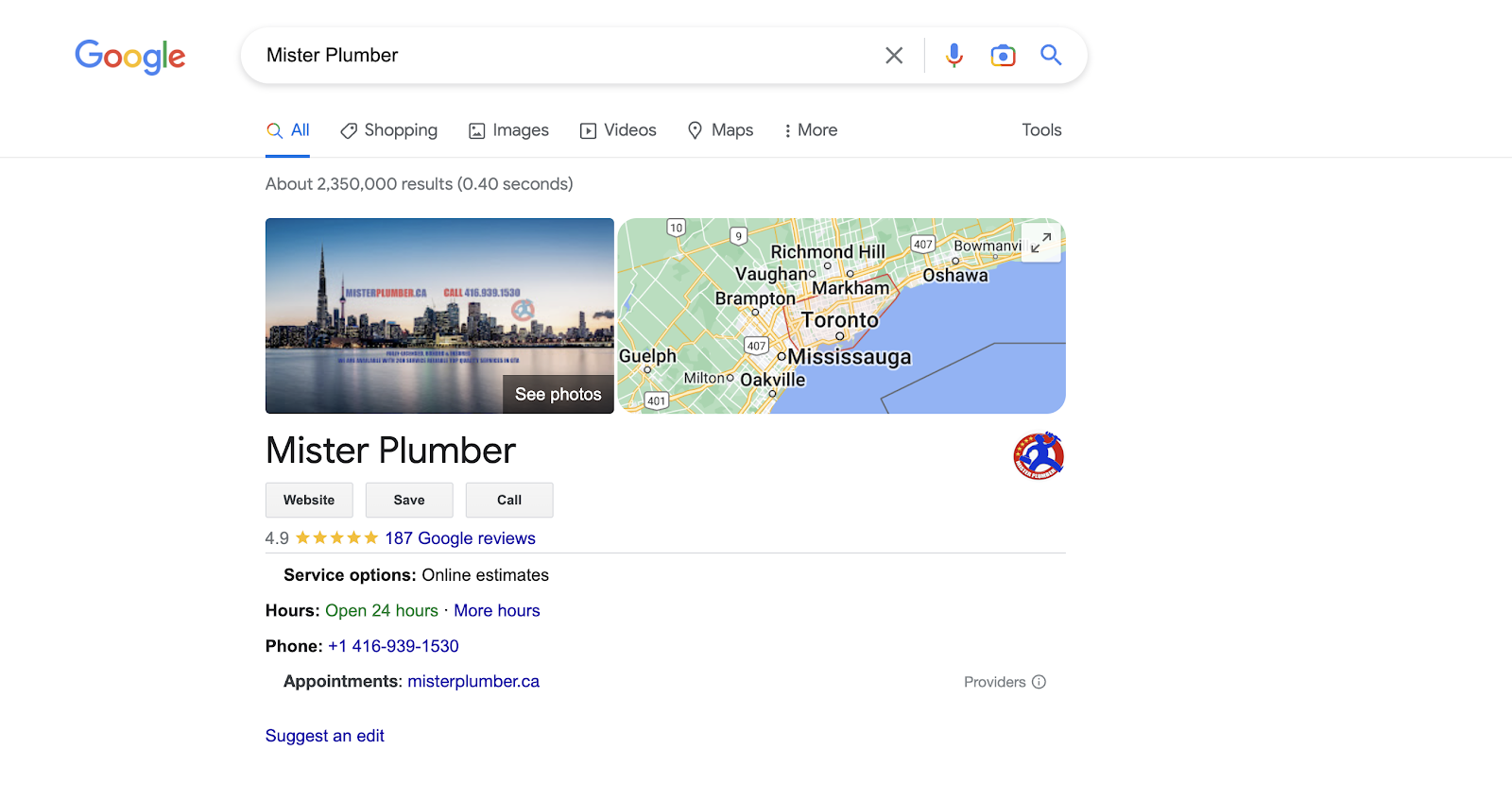
Example: the service area for a business called "Mister Plumber"
Why This Information Is Useful
Knowing where your competitors (or potential partners) operate can help you make smarter decisions about your own business:
- Spot gaps in coverage. If no one is serving a nearby area, that could be an opportunity for you to expand.
- Avoid crowded markets. If several competitors already cover the same zone, you might focus on areas with less competition.
- Compare your reach. See how your service area stacks up against competitors in the same industry.
- Adjust your pricing. If competitors serve the same area, knowing their coverage helps you position your prices more strategically.
- Find referral partners. A business that covers a different area might be a good fit for a referral partnership rather than a direct competitor.
Conclusion
Checking service areas is a quick way to understand the competitive landscape in your local market. If you run a service-area business yourself, make sure your own coverage is set correctly and updated whenever it changes. For more ways to improve your Google Business Profile, check out our guides section.