Sometimes you need to know what other Google Business Profiles are listed at the same address as yours. Maybe you want to spot competitors sharing your building, or maybe you need to find a duplicate listing you created by accident. Either way, GMB Everywhere makes it easy to check.
How to Find All Profiles at One Address
First, you'll need the GMB Everywhere Chrome extension. Head to gmbeverywhere.com and click Install Chrome Extension.
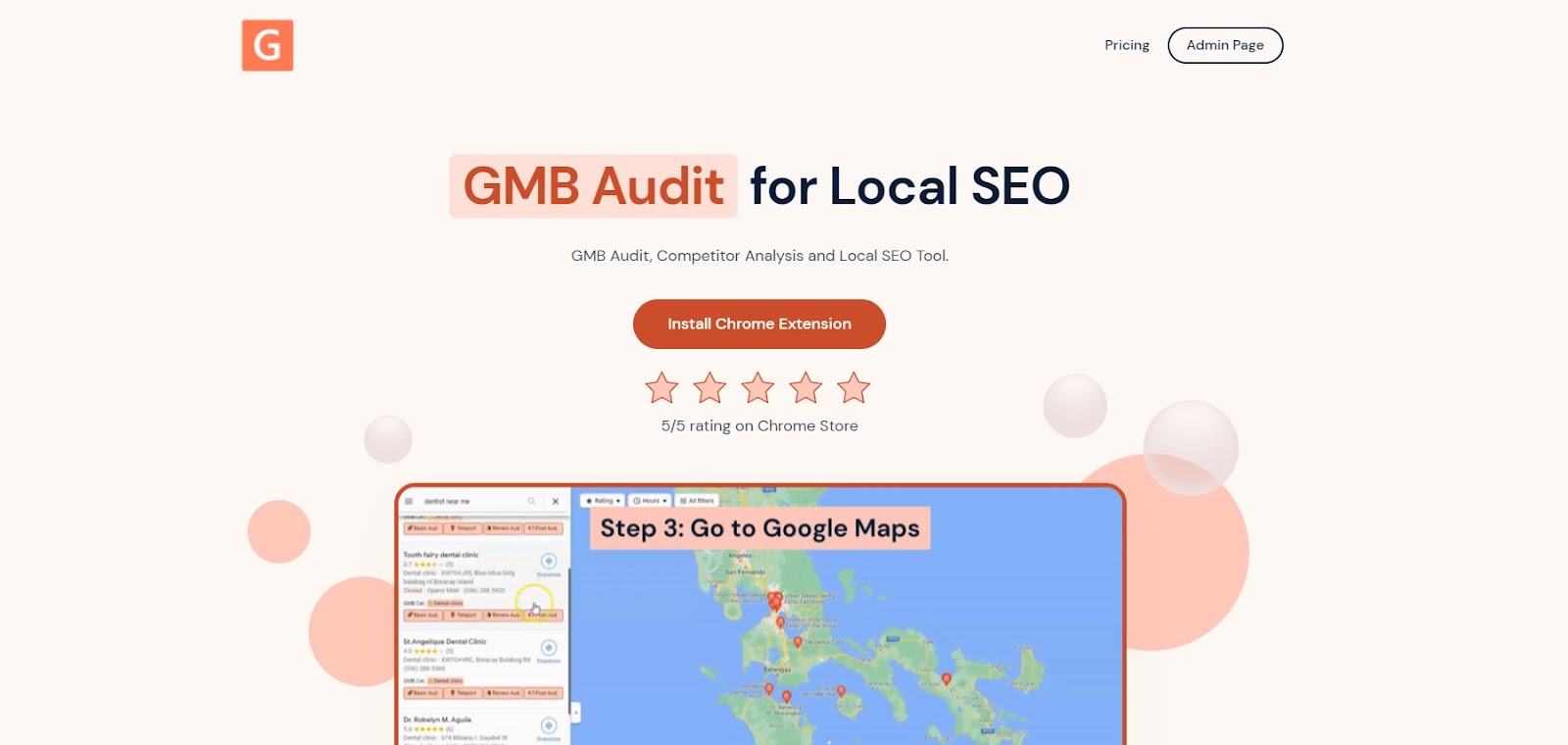
The GMB Everywhere homepage where you can download the extension.
You'll be taken to the Chrome Web Store page. Click Add to Chrome.
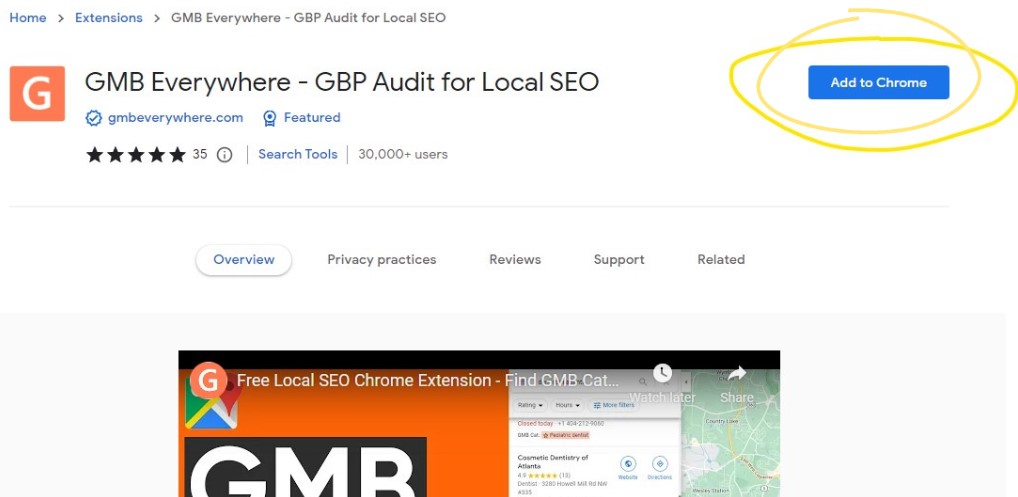
The Chrome Web Store page for GMB Everywhere.
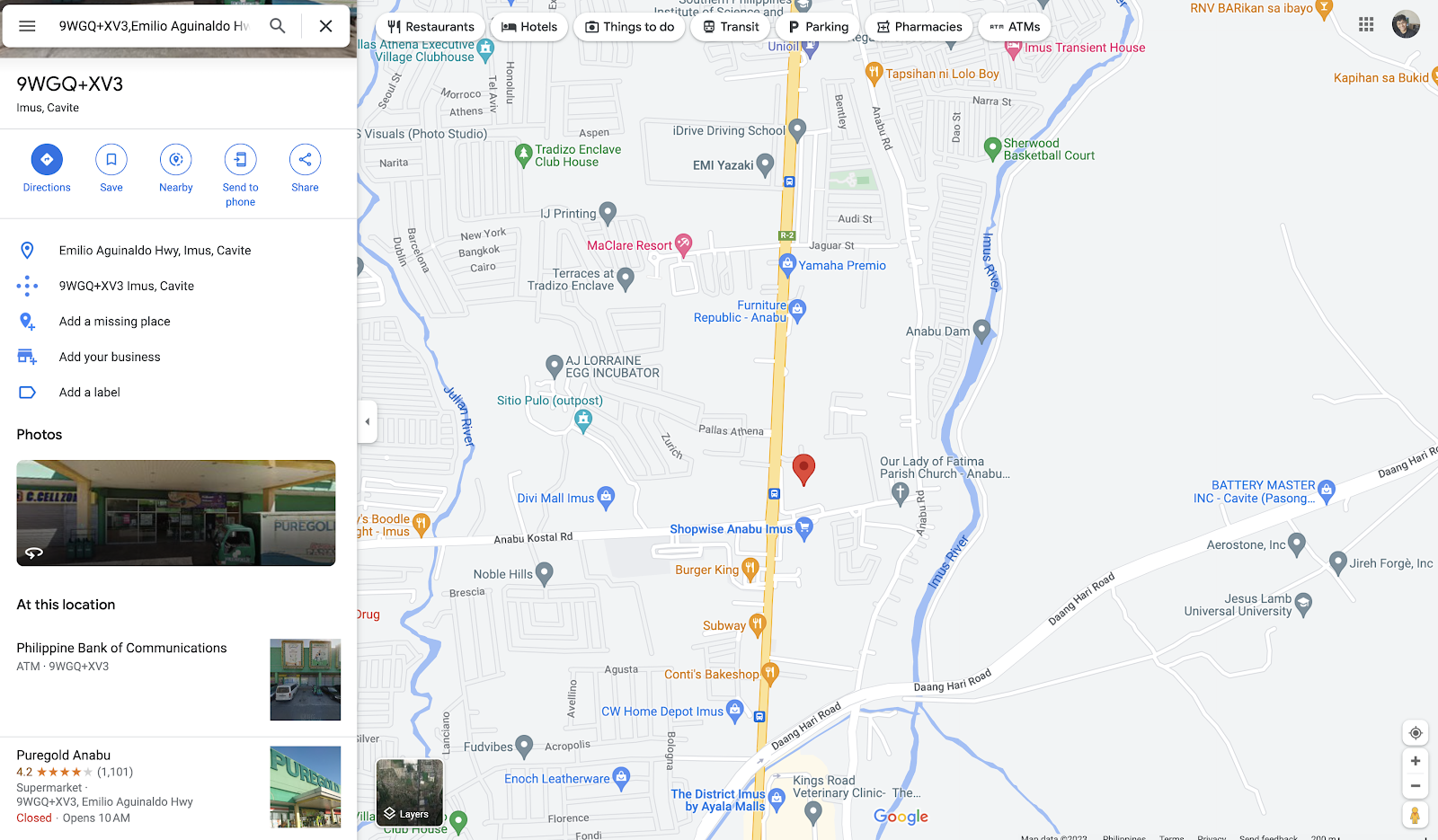
Once it's installed, go to maps.google.com and search for your business. You'll see GMB Everywhere buttons in the left panel. Click Basic Audit.
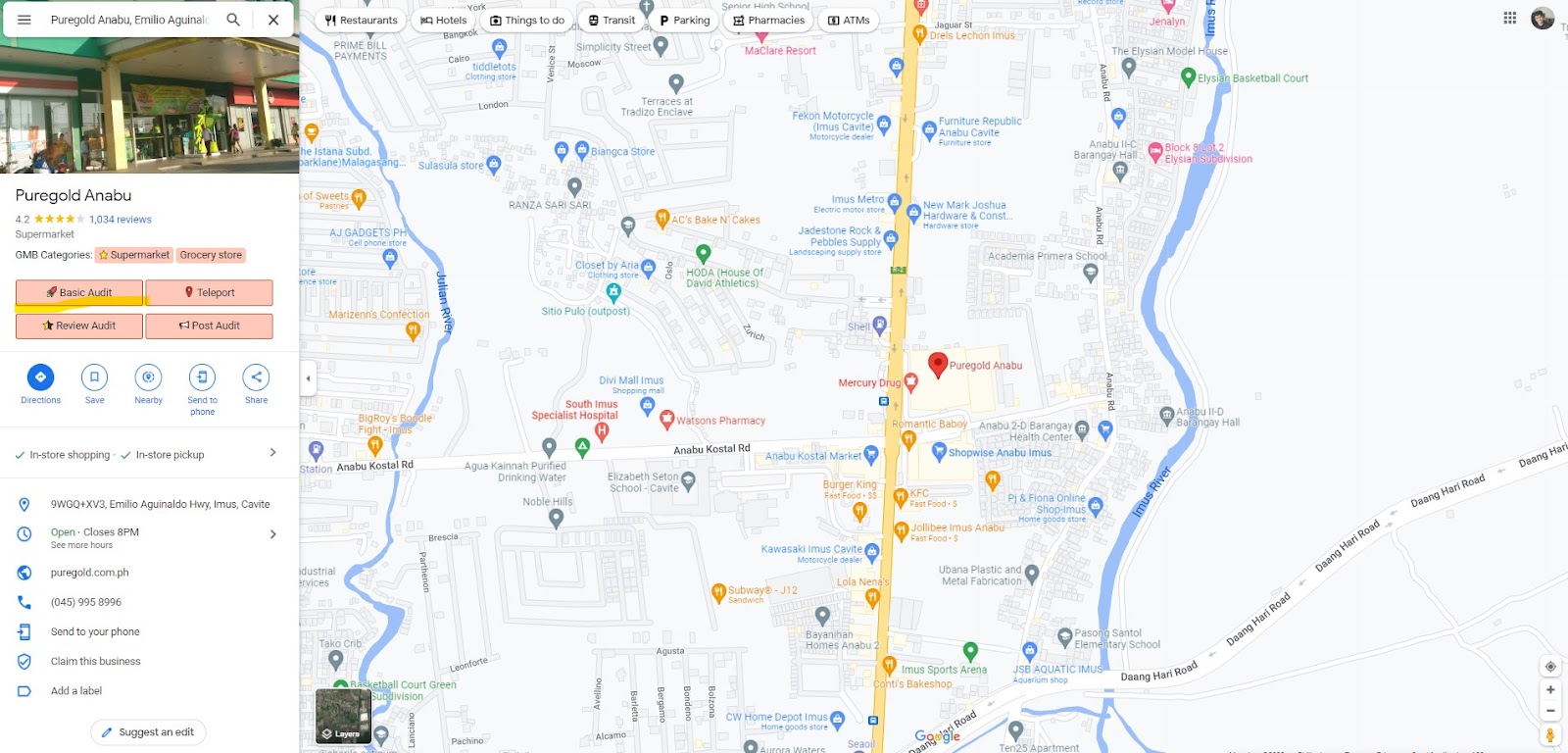
The business page with GMB Everywhere buttons on the left.
This opens the audit page, which shows your profile details and a list of useful links.
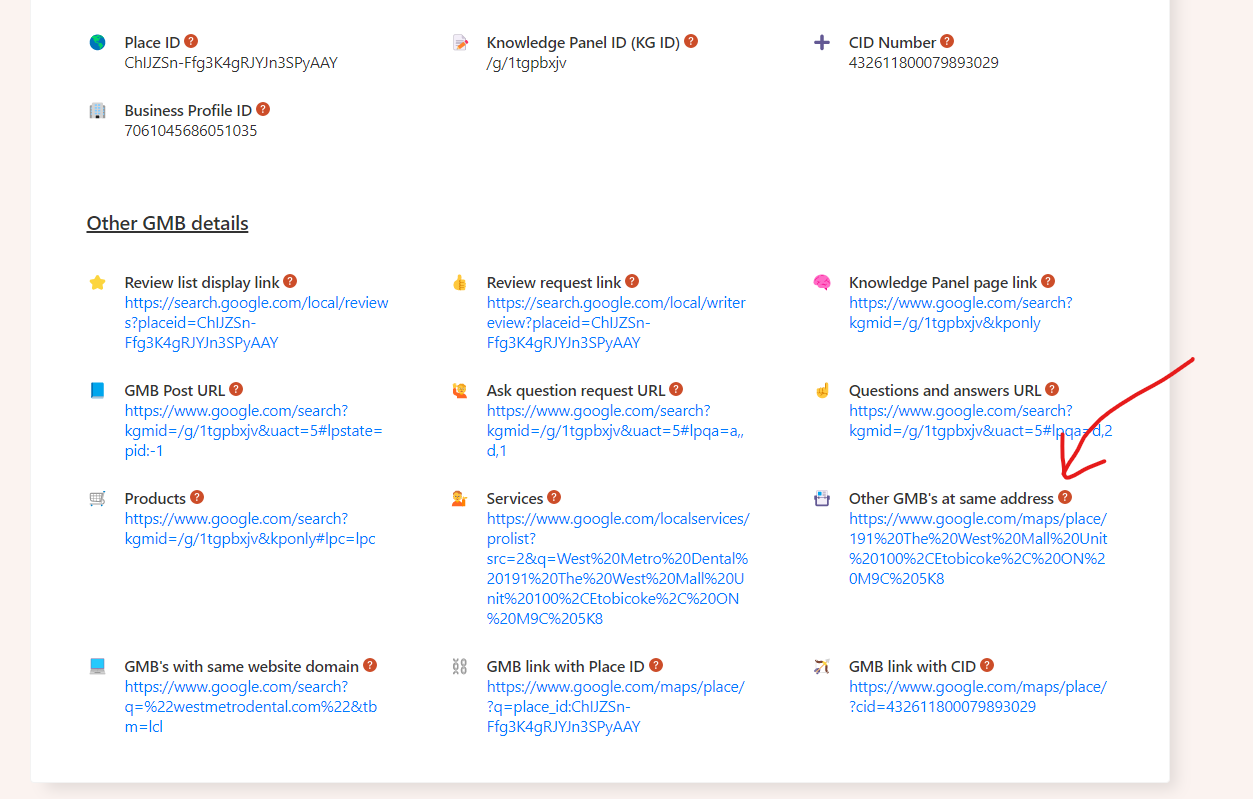
The audit page with links you can click.
Look for the Other GMB Details section and click the Other GMB's at the same address link. This takes you to a page showing every Google Business Profile registered at that address.
On the left side of that page, you'll see all the businesses sharing the same address. Note that ads may show up here too, so just ignore those.
Other businesses listed at the same address appear on the left.
Now you can see exactly who else is listed at your address. This is useful for spotting competitors, finding duplicate listings, or just understanding what other businesses share your location.
Know Your Competitors
Your Google Business Profile competitors are the businesses that show up alongside yours in local search results. Knowing who they are is the first step to improving your own listing. You can look at what your competitors are doing to find ideas for your own profile.
The simplest way to find them is to search Google for what your customers would type. If you run a coffee shop in downtown Los Angeles, search "coffee shop downtown Los Angeles" and look at who shows up in the top results.
Check out their profiles. Look at their hours, photos, reviews, and the services they list. If they're sharing more information than you are, that's a gap worth closing. Keeping an eye on competitors helps you stay competitive in local search.
How to Compare Yourself to Competitors
Once you know who your competitors are, spend a few minutes looking at what they're doing well. Here's what to check:
- Their profile: Look at their hours, photos, categories, and services. Are they sharing more details than you? That's worth noting.
- Their reviews: Read what customers are saying about them. Look for patterns, both positive and negative. If people keep praising something specific, consider whether you offer the same.
- Their website: Visit their site. Check how they describe their business, list their services, and show pricing. If their site feels easier to use or more helpful than yours, that's a clue.
- Their social media: See if they're active on platforms like Facebook or Instagram. Are they posting regularly or responding to comments? If they're more engaged than you, there's room to improve.
Use What You Learn to Improve
After comparing, here are a few simple things you can do to close the gap:
- Fill in your profile: Make sure your hours, photos, services, and contact info are all up to date. Add anything your competitors have that you don't.
- Ask for reviews: Happy customers are usually willing to leave a review if you ask. Respond to every review you get, good or bad, to show people you're paying attention.
- Update your website: Make sure it's easy to navigate and includes the same key information as your profile: services, hours, and a way to get in touch.
- Use local keywords: Include your city or neighborhood name in your profile description and website. Something like "coffee shop in downtown Los Angeles" helps Google connect you to local searches.
- Stay active on social media: Post regularly and respond to comments. You don't need to be on every platform, just the ones where your customers spend time.
Conclusion
Finding out who else is listed at your address takes less than a minute with GMB Everywhere. From there, you can see how your profile compares and make small improvements that help you stand out in local search.
Check back on your competitors every few months to see what's changed. For more tips, browse our guide articles.