Your Google Business Profile category is one of the most important factors in how your business ranks for a given keyword. After business name, it is the most important ranking factor.
This guide covers two reliable ways to choose the best GBP categories for your business profile.
Choosing the Best Category
Google Business Profile categories—also called Google Maps Categories—are fields in your profile that tell both people and search engines what your business is about. They help Google understand your services and match your profile to the right customer searches.
When you choose the right category, your business has a higher chance of ranking for relevant keywords in Google Search and Maps. For example, a business listed under Italian Restaurant will appear more often when users search for terms like “best Italian food near me.” Choosing the wrong category can push your listing into unrelated searches, lowering your visibility.
You can choose up to 10 categories: 1 primary category and up to 9 secondary categories. Here are two ways to find the right ones.
Option 1: Use Search Terms
Think of the search terms your customers use when looking for your business. If you run a bakeshop, your customers likely search for “bakeshop nearby.” That phrase can serve as your primary category identifier.
Note that a category should describe your business, not what it has. According to Google Business Support:
“Select categories that complete the statement: ‘This business IS a’ rather than ‘this business HAS a.’ The goal is to describe your business holistically rather than a list of all the services it offers, products it sells, or amenities it features.”
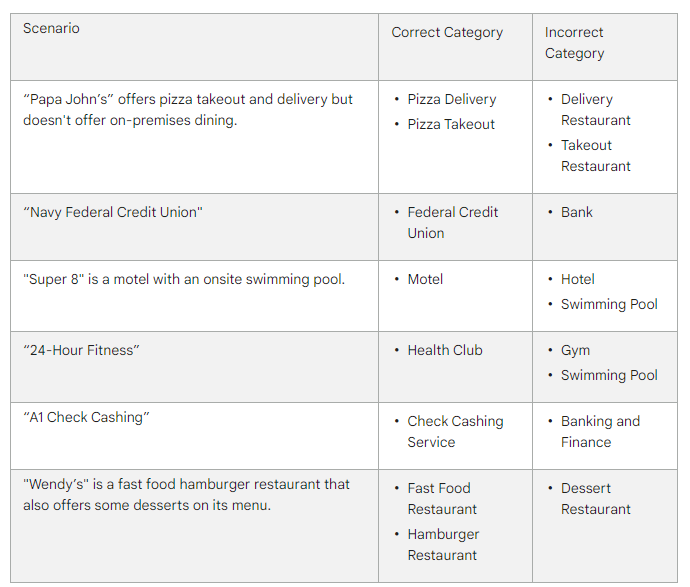
Examples of how to describe a business category, as outlined by Google
Option 2: Check Your Competitor Categories
Reviewing your competitors’ categories shows you what is already working in your local market and gives you ideas to differentiate or match top-ranked profiles.
The best way to do this is with the GMB Everywhere Chrome extension. It shows competitor GBP categories directly in Google Maps—no manual searching required.
Go to gmbeverywhere.com and click Install Chrome Extension.
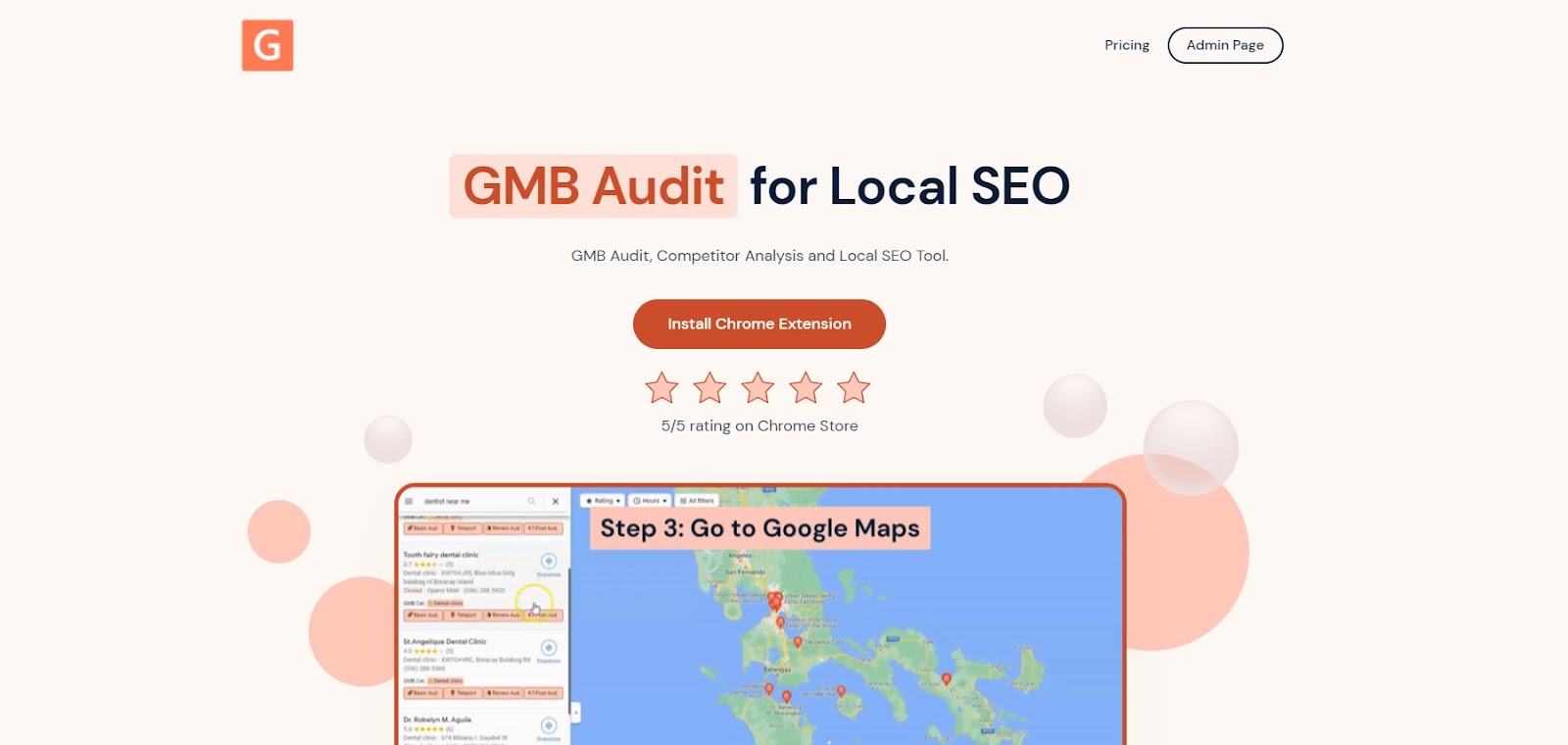
GMB Everywhere homepage — click ‘Install Chrome Extension’ to get started
After installation, go to maps.google.com and search for a term related to your business. For example, if you run a dental clinic, search “dental clinic” to see all nearby competitors in the results.
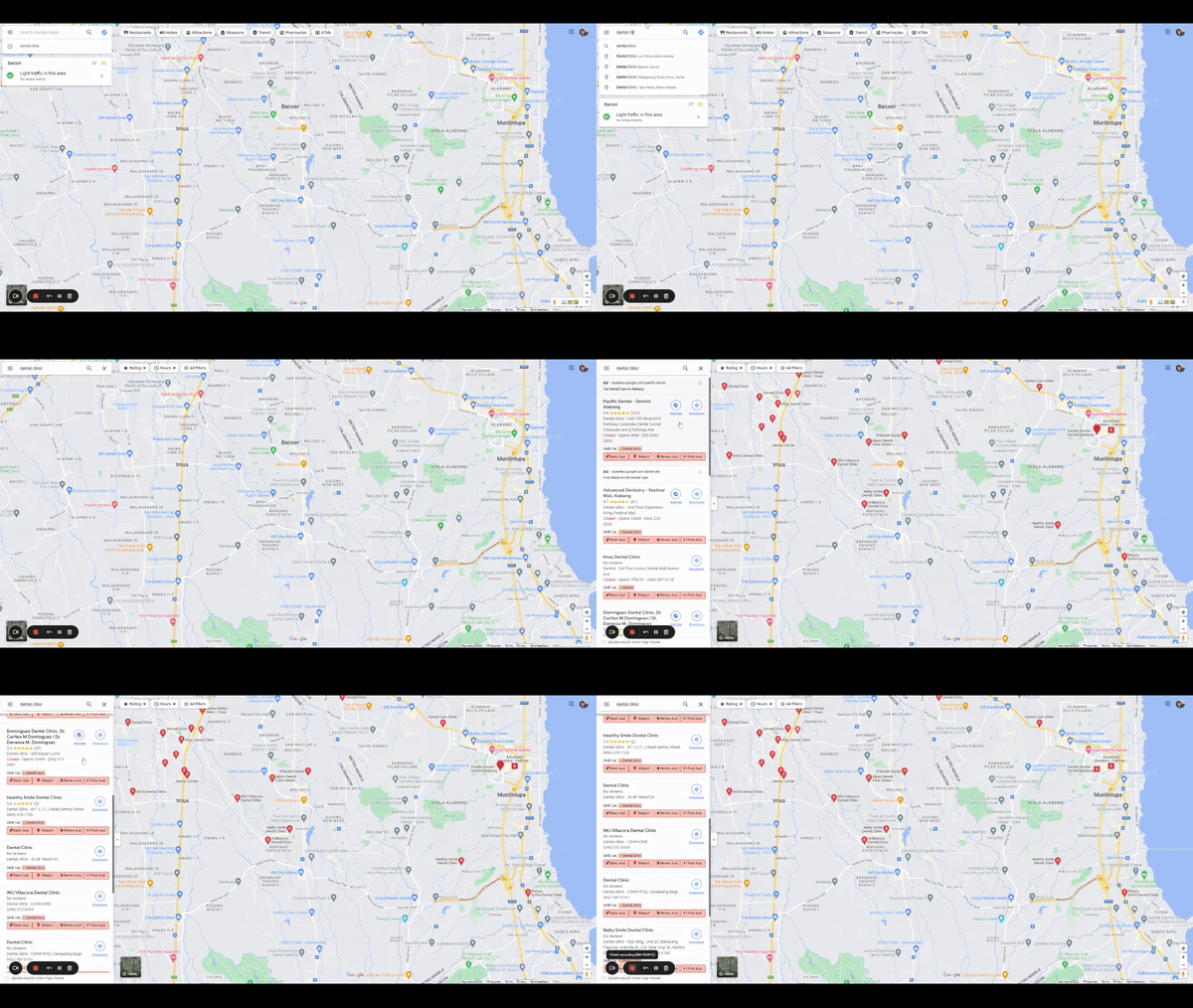
GBP categories visible in Google Maps search results
Related businesses will appear in the left panel. Below each business’s details, you can see the GBP Category field showing their primary and secondary categories.
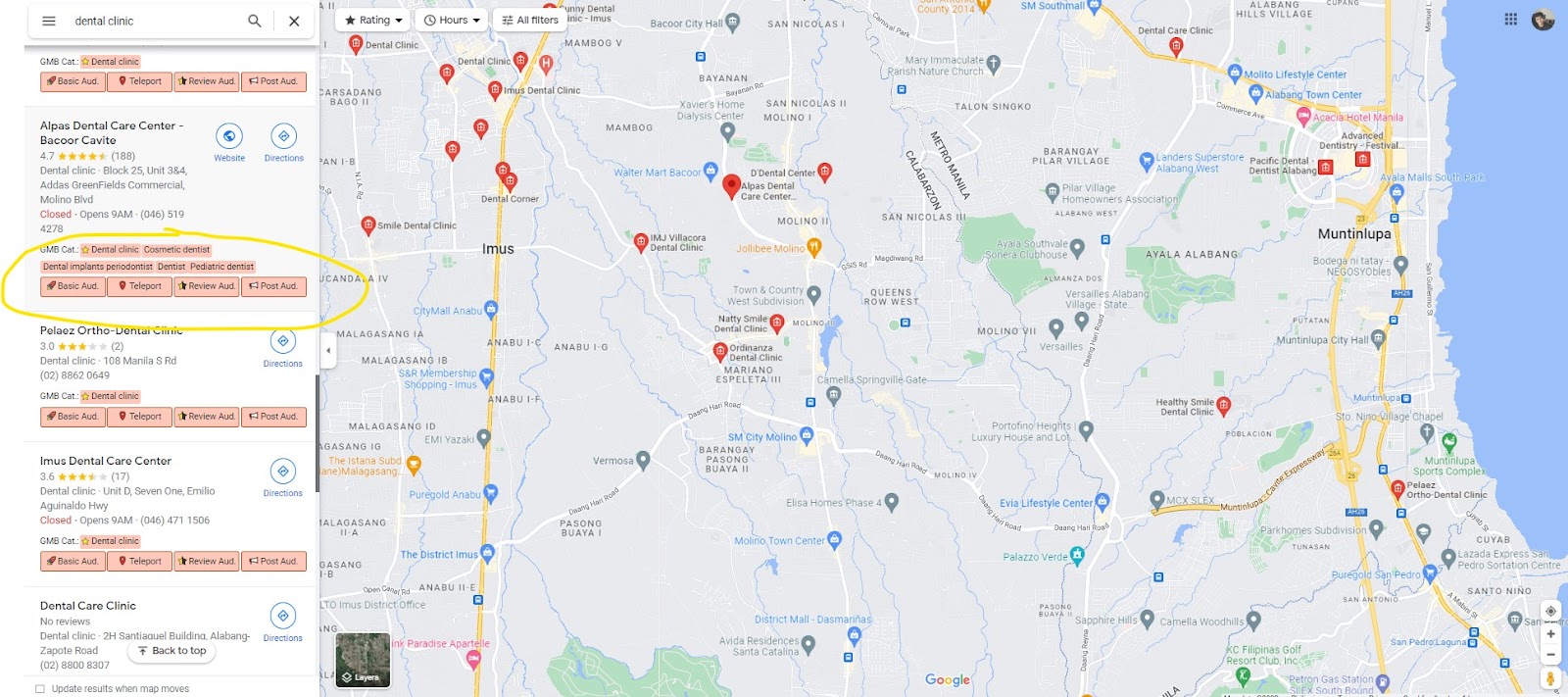
Primary and secondary GBP categories highlighted in the search results
Watch: Best GBP Category Walkthrough
Conclusion
Your Google Business Profile category is a major factor in how you rank in local search. Choosing the right primary and secondary categories helps Google match your listing to the searches that matter most to your business.
Use customer search terms to identify your primary category, and check competitor profiles with GMB Everywhere to see which categories are driving visibility in your area. Browse our guide articles for more local SEO tips.