Fridays should be prime time for new patient walk-ins, but if your Google Business Profile says you close early, you're handing those appointments to nearby clinics with more generous schedules. Even a one-hour gap on the busiest day of the week can send patients looking elsewhere—and they may never come back.
Why Friday Hours Matter
Your business hours on Google set expectations and guide real-world visits. Friday afternoons often bring last-minute appointment requests and urgent care needs. When your profile shows you're already closed, patients assume your doors are locked and move on. Keeping consistent, patient-friendly Friday hours signals reliability, reduces frustration, and helps you hold on to revenue you'd otherwise lose.
Local Scan: your hours radar
Local Scan from GMB Everywhere puts your Google Business Profile and competitor schedules side by side. In the Business Hours tab, you can:
- Compare Friday closing times: See exactly when top-ranked practices close their doors and spot early finishers.
- Review today's status: Confirm whether your listing shows "Open" or "Closed" on Friday afternoon.
- Audit weekly schedule: Identify any special or holiday hours that conflict with regular Friday times.
- Spot competitor advantages: Highlight clinics offering late Friday slots or weekend kick-offs that draw walk-ins.
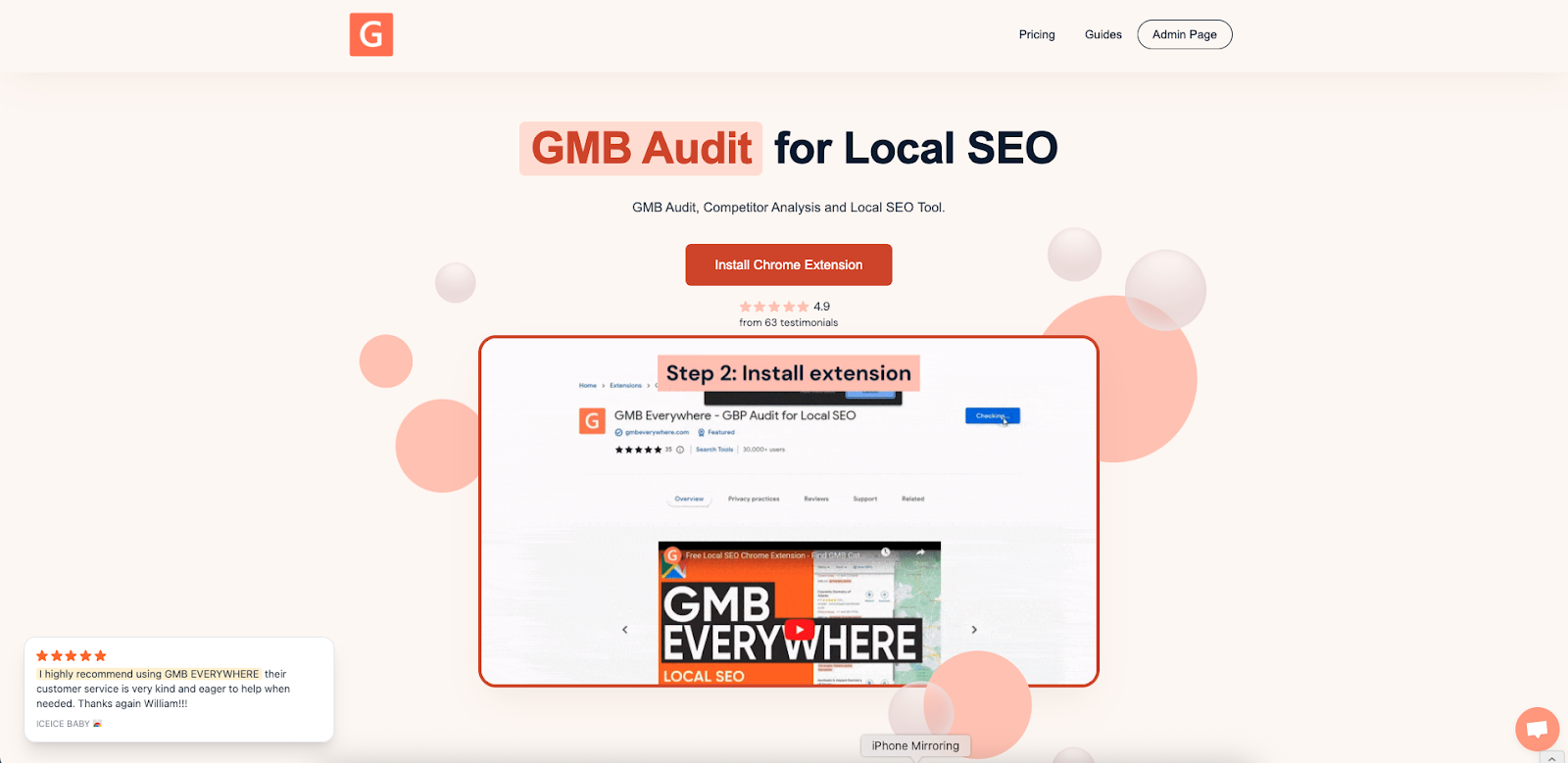
To get started, install the GMB Everywhere Chrome extension. Go to gmbeverywhere.com and click Add to Chrome.
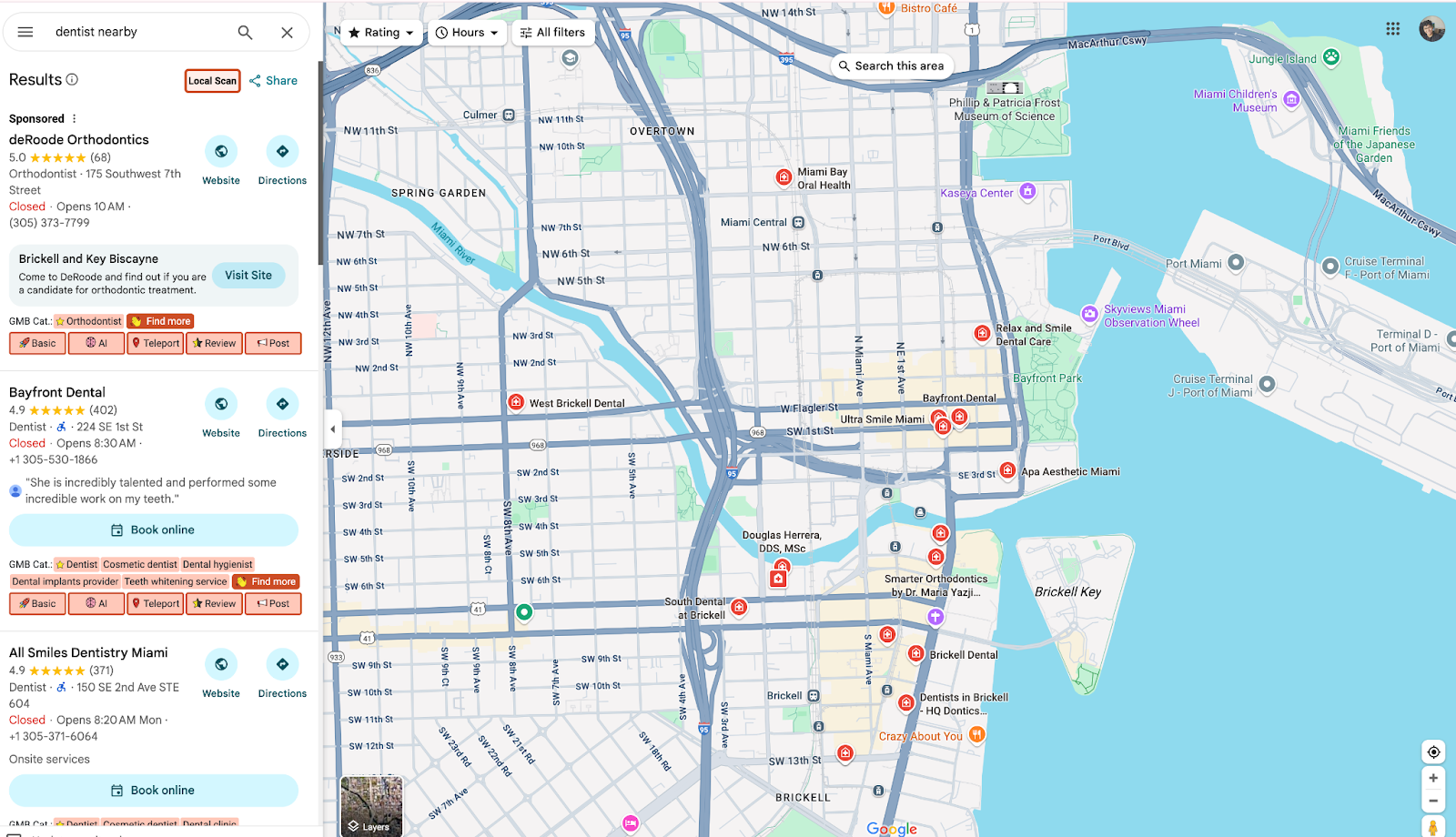
Then open Google Maps, search for your business, and click Local Scan in the left panel.
A new tab will open. Click the Business Hours tab to see how your hours compare to nearby competitors. You can also view a sample scan in the screenshot above.
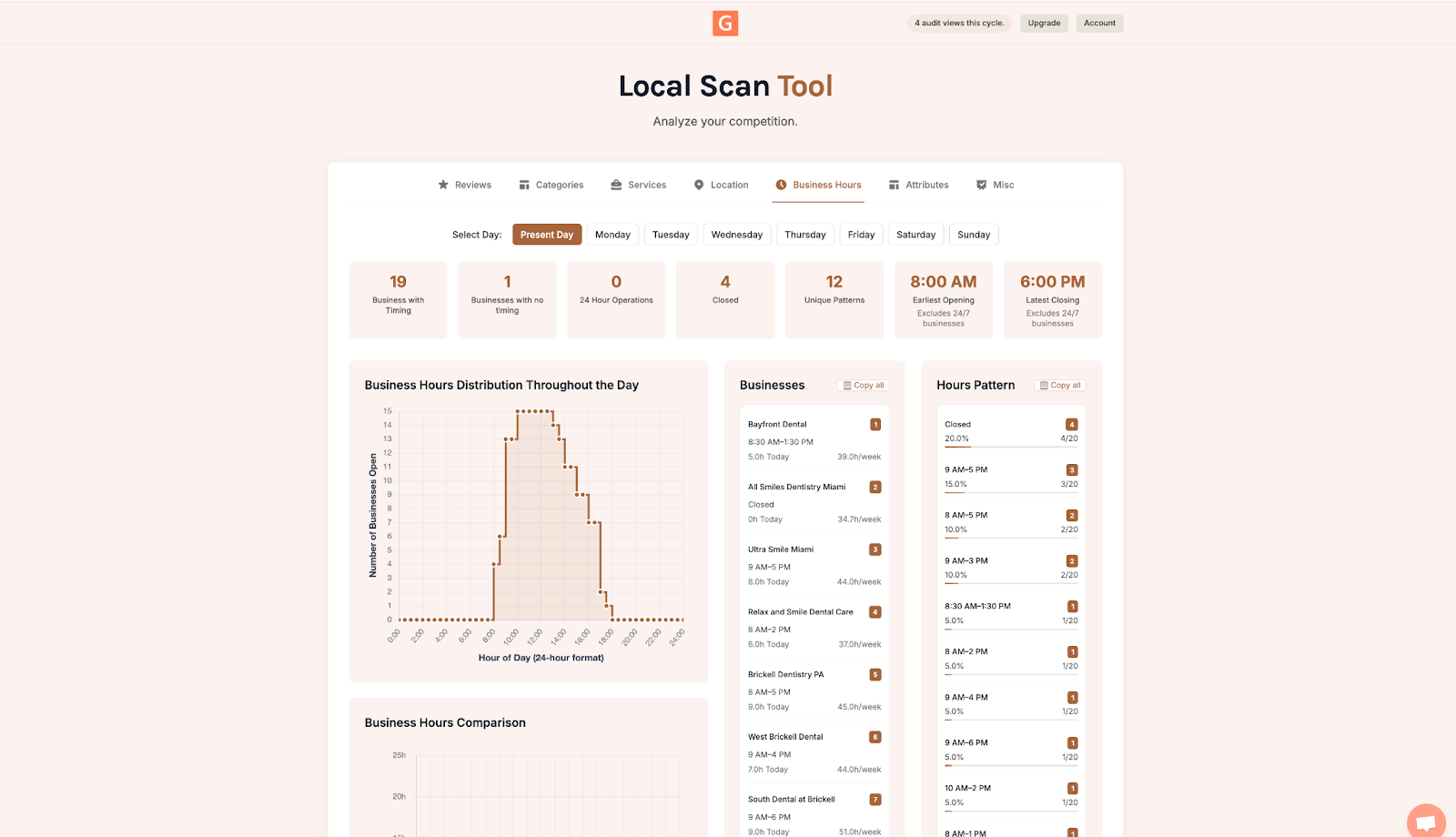
Check the Business Hours tab first
Start with your own Friday listing: confirm your current closing time and check whether your profile shows "Open" or "Closed" on Friday afternoon. Then look at competitor hours to see who's staying open later. Note any special or holiday hours that may have shifted your listing to "Closed" by mistake. Use what you find to decide whether to extend your Friday hours or add some weekend availability.
Strengthen your profile beyond hours
Getting your hours right is the first step. Once that's done, there are a few more things worth checking:
- Update your attributes: Call out walk-in availability, telehealth options, or emergency slots for Friday afternoons.
- Check your categories and services: Make sure any Friday-specific services (like emergency appointments) are listed on your profile.
- Recheck monthly: Run Local Scan once a month to catch unintended hour changes or shifts in competitor availability.
Conclusion
Your Friday hours are one of the simplest things to check — and one of the easiest to fix. Run a Local Scan to see exactly how your schedule compares to nearby clinics, then update your profile accordingly. Small adjustments to your hours can make a real difference in how many walk-ins choose you over a competitor down the street.