Reviews do more than build trust — the words customers use in them can tell you a lot about what your business is doing well and where it can improve. This guide shows you how to find the most common keywords in your Google Business Profile (GBP) reviews using GMB Everywhere.
Spotting recurring keywords helps you understand customer sentiment, catch patterns early, and make better decisions about how to run and market your business.
How to Find Common Keywords in Your Reviews
You could collect and read through every review manually, but that gets tedious fast. GMB Everywhere pulls the keyword data for you in seconds.
Start by installing the GMB Everywhere Chrome extension. Go to gmbeverywhere.com and click Install Chrome Extension.
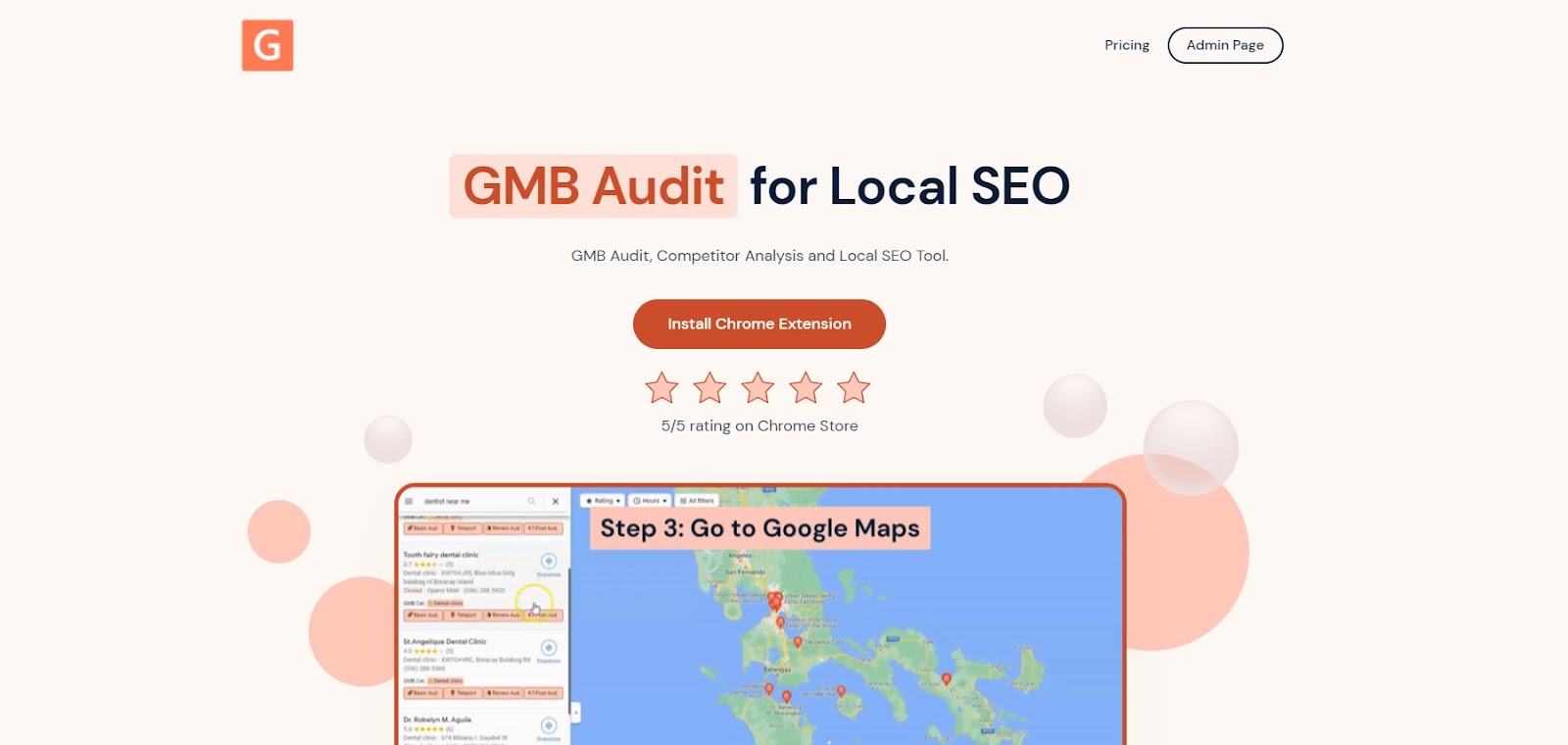
The homepage of GMB Everywhere where you can install the tool
The Chrome Web Store page will open. Click Add to Chrome to install the extension.
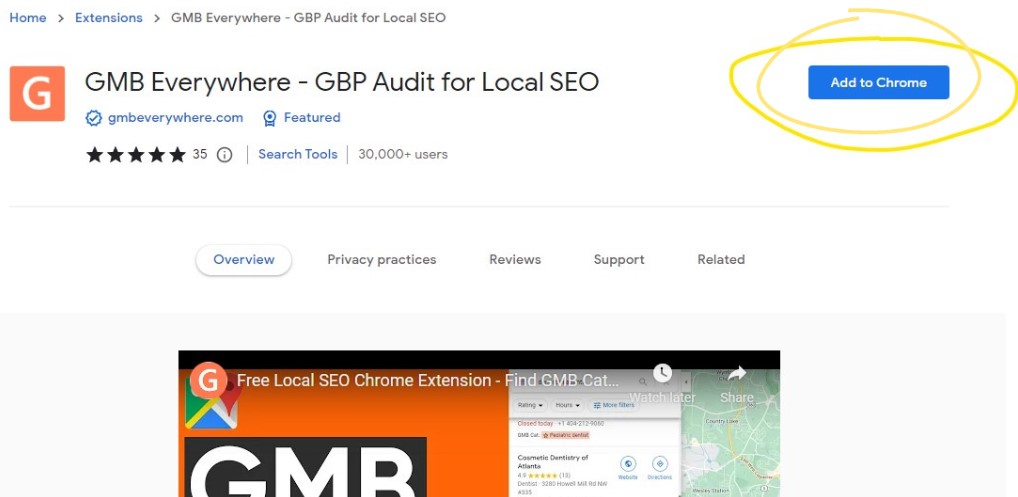
The Chrome Extension page where you can install the extension
Once installed, go to maps.google.com and search for your business. In the left panel search results, you'll see GMB Everywhere buttons appear. Click Review Audit.
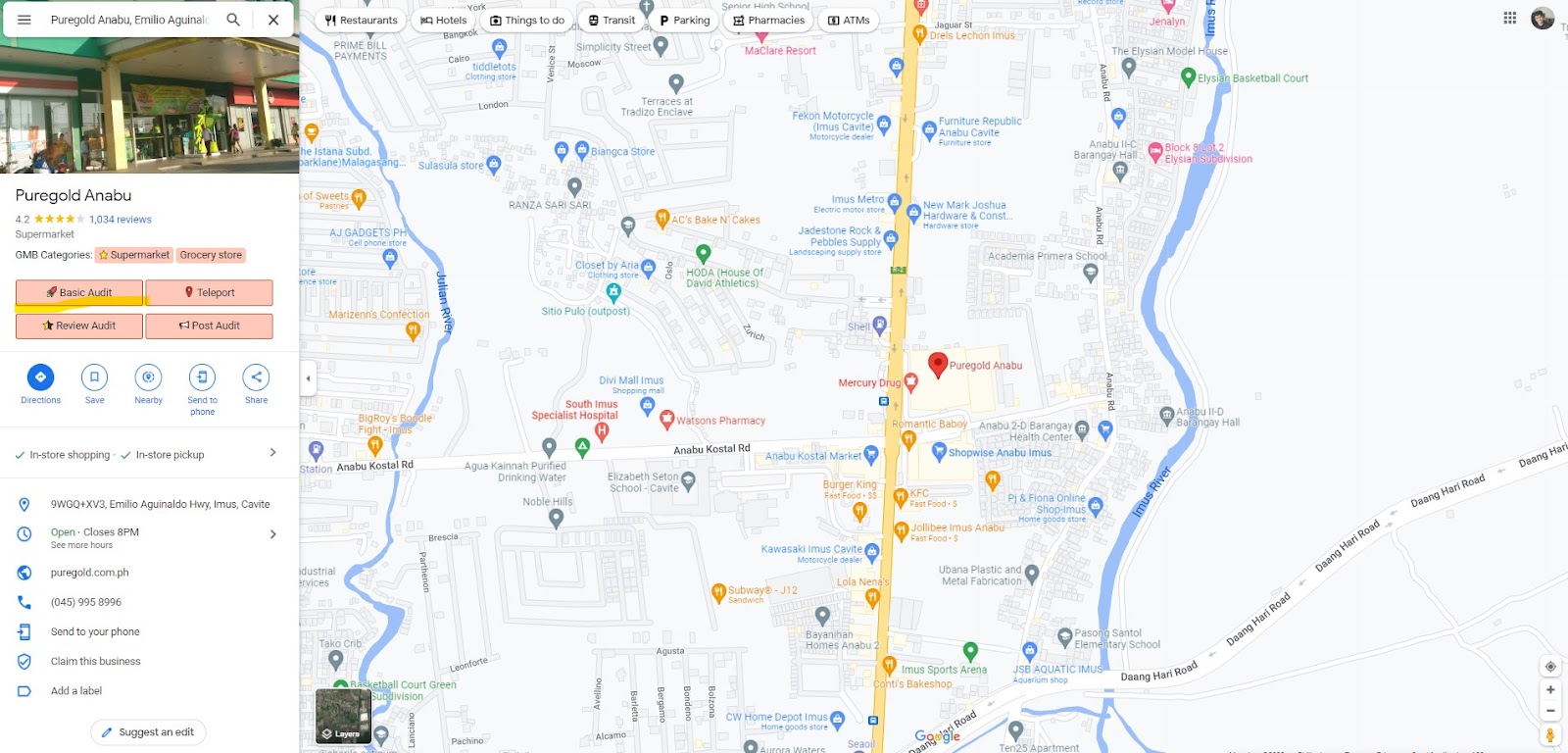
The Review Audit button in Google Maps
The Review Audit page will open with a breakdown of review trends, ratings, and keyword data for that business.
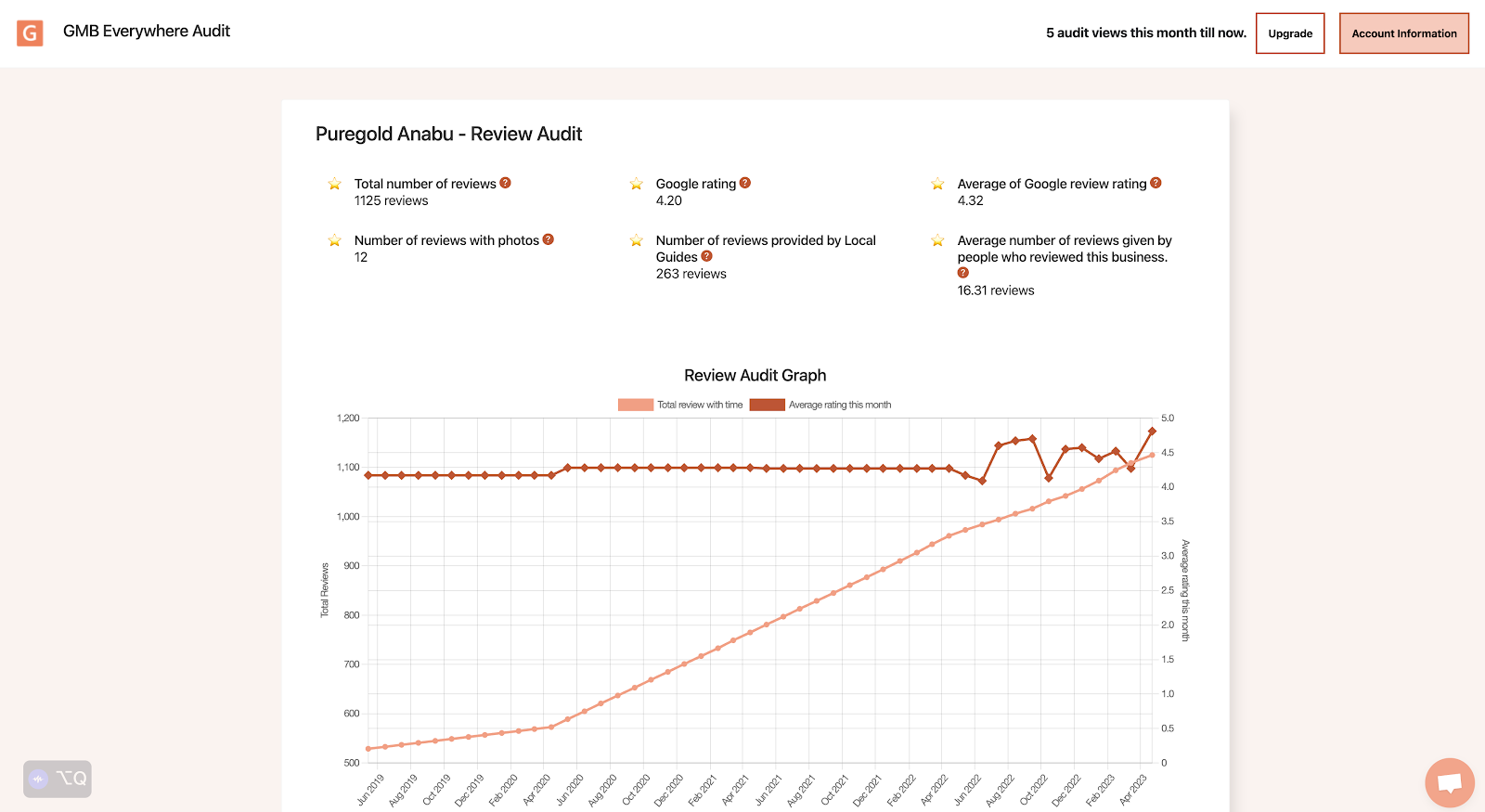
The Review Audit result page with review details
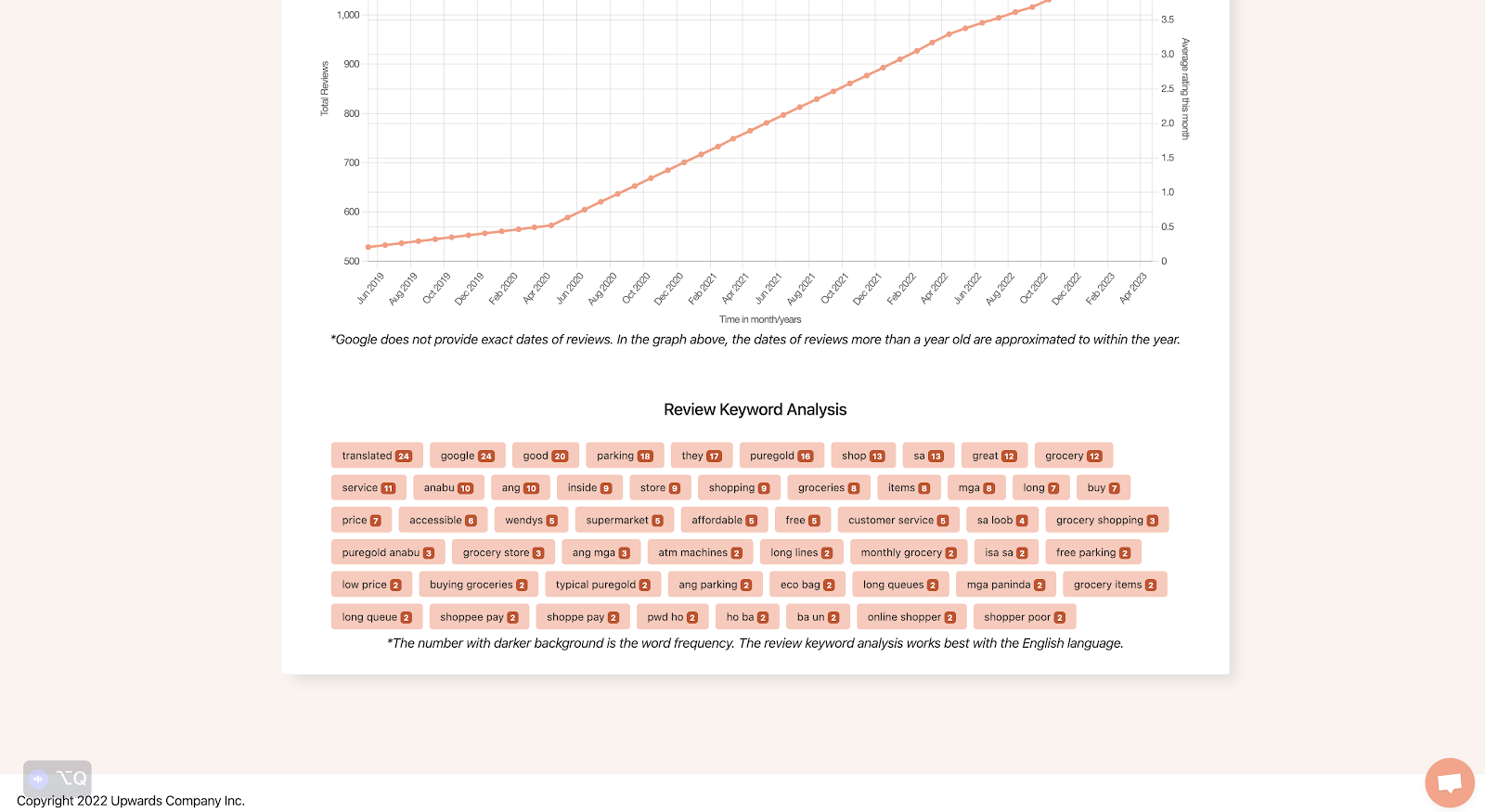
The keyword frequency in reviews
In a few clicks, you can see exactly which words come up most in your reviews — and start to understand what customers really think about your business.
Frequently Asked Questions
Why is it useful to analyze keywords in Google reviews?
Looking at the words customers use most often helps you understand what they value, where you're falling short, and what trends are emerging. It gives you a clearer picture than star ratings alone.
Can review keyword analysis help with reputation management?
Yes. When you see certain negative words coming up repeatedly, you can act on them quickly instead of waiting for complaints to pile up. Spotting patterns early makes it easier to manage your reputation before issues grow.
What can I do with the keyword data from my reviews?
You can use it to improve your services, update your profile's services and descriptions to match the words customers use, and shape how you respond to reviews. It's practical data you can act on right away.
Can I combine review keyword data with other tools?
Yes. Pairing review keyword insights with other analytics — like website traffic data or customer demographics — gives you a fuller picture of your audience and helps you make smarter decisions across your marketing.
Conclusion
Your Google Business Profile reviews contain real insight — not just ratings, but the specific words your customers reach for when they describe their experience. Knowing which keywords come up most often helps you spot what's working, fix what isn't, and keep your profile content aligned with how people actually talk about your business.
Use the Review Audit in GMB Everywhere to make this part of your regular routine. A quick check each quarter is all it takes to stay on top of what your customers are saying.