In this article, we'll walk you through how to find products assigned to a Google Business Profile (GBP). Whether you want to check your own listing or see what a competitor is showcasing, GMB Everywhere makes it simple.
Understanding the Google Business Profile Product Section
The Product section is where businesses can showcase their products to potential customers. It appears in the knowledge panel of a Google Business Profile, alongside business information and reviews. Not every business uses this section, but when it's populated it gives shoppers a quick look at what you sell before they even click through to your website.
How to Find the Products for a Google Business Profile
The GMB Everywhere Chrome extension makes finding the Products section for any profile much easier. You can use the free audit to check the Product section for up to 5 businesses. The extension consolidates key profile details — including Place ID, Customer ID, Business Profile ID, Knowledge Panel ID, and the Products link — all in one place.
To check the Products link, install the GMB Everywhere Chrome extension. Head to gmbeverywhere.com and click Install Chrome Extension.
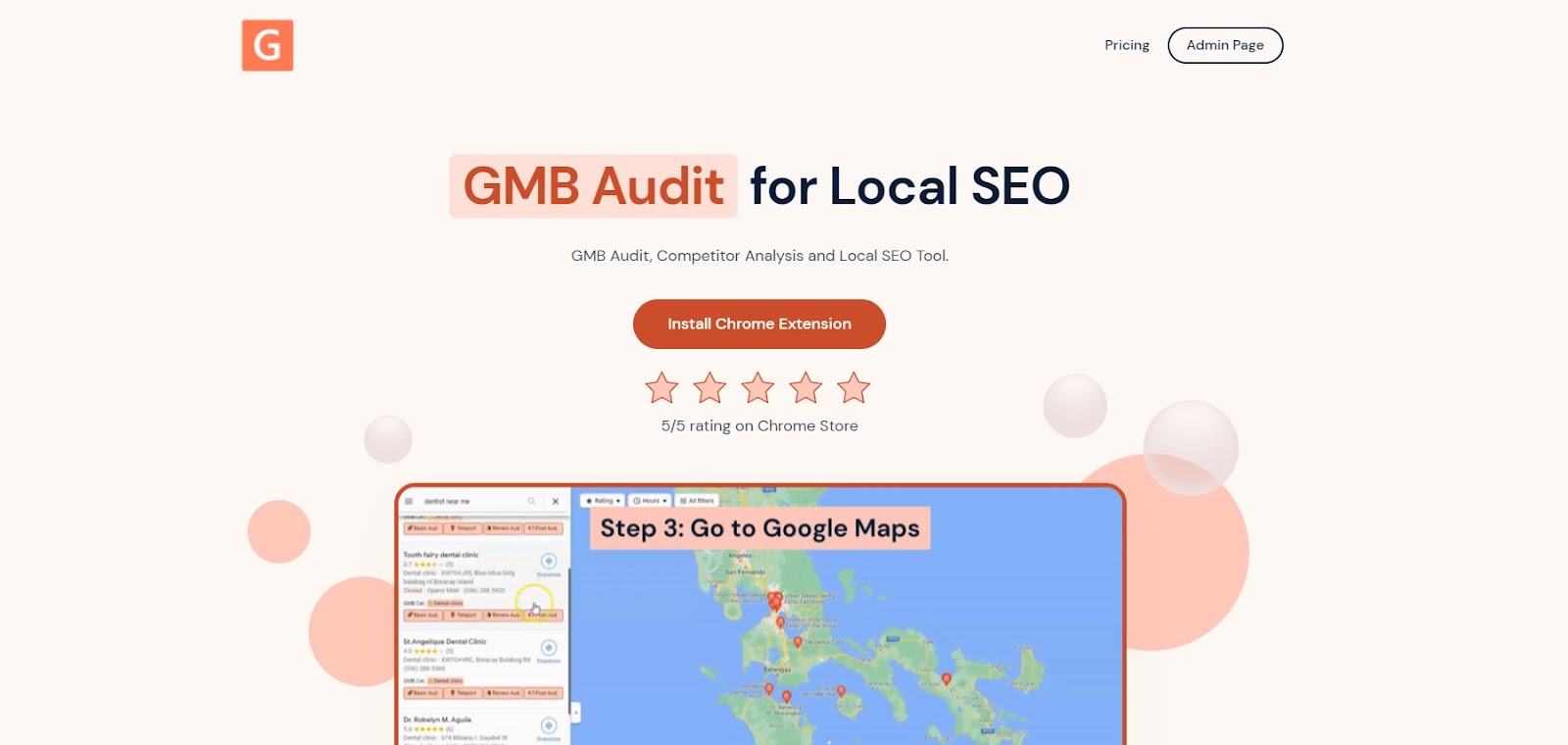
The screenshot shows the homepage where you can install the GMB Everywhere extension.
A new tab will open the Chrome Web Store page for the GMB Everywhere extension. Click Add To Chrome.
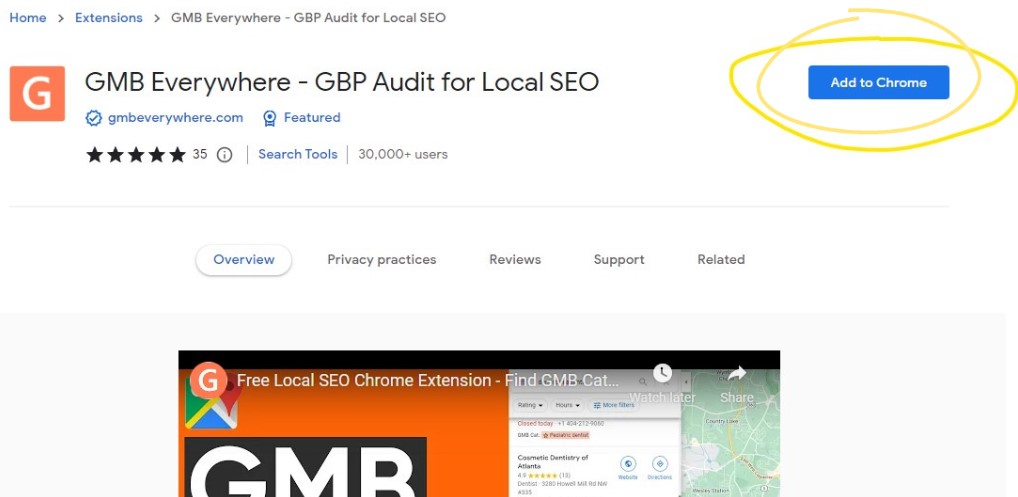
The screenshot shows where you can install the extension.
After successful installation, go to maps.google.com and search for your business.
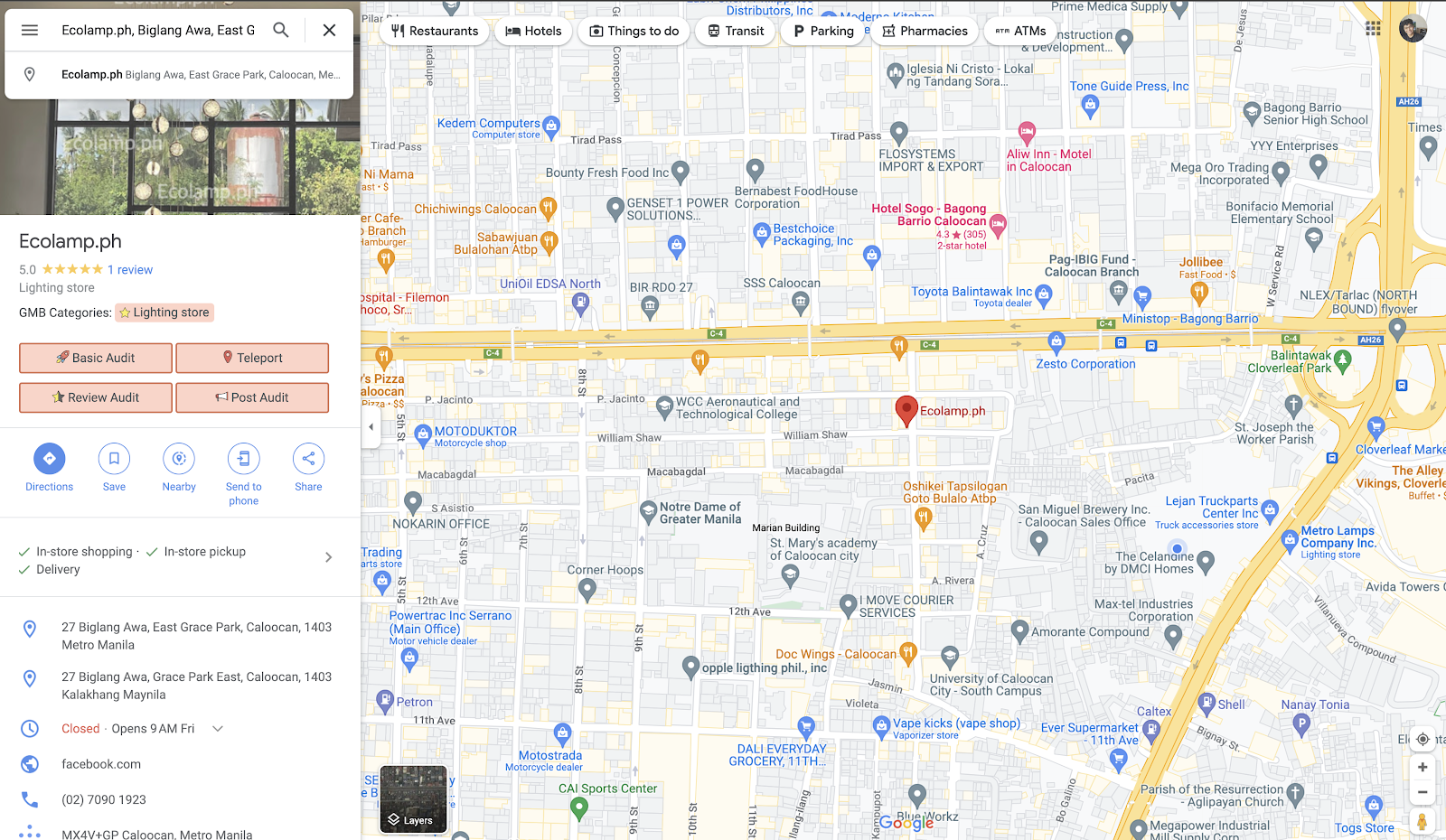
The screenshot shows the different buttons on maps.
On the left pane search results, you will see several GMB Everywhere buttons. Click the Basic Audit button. This will open the audit page, which includes your profile information, audit links, and more.
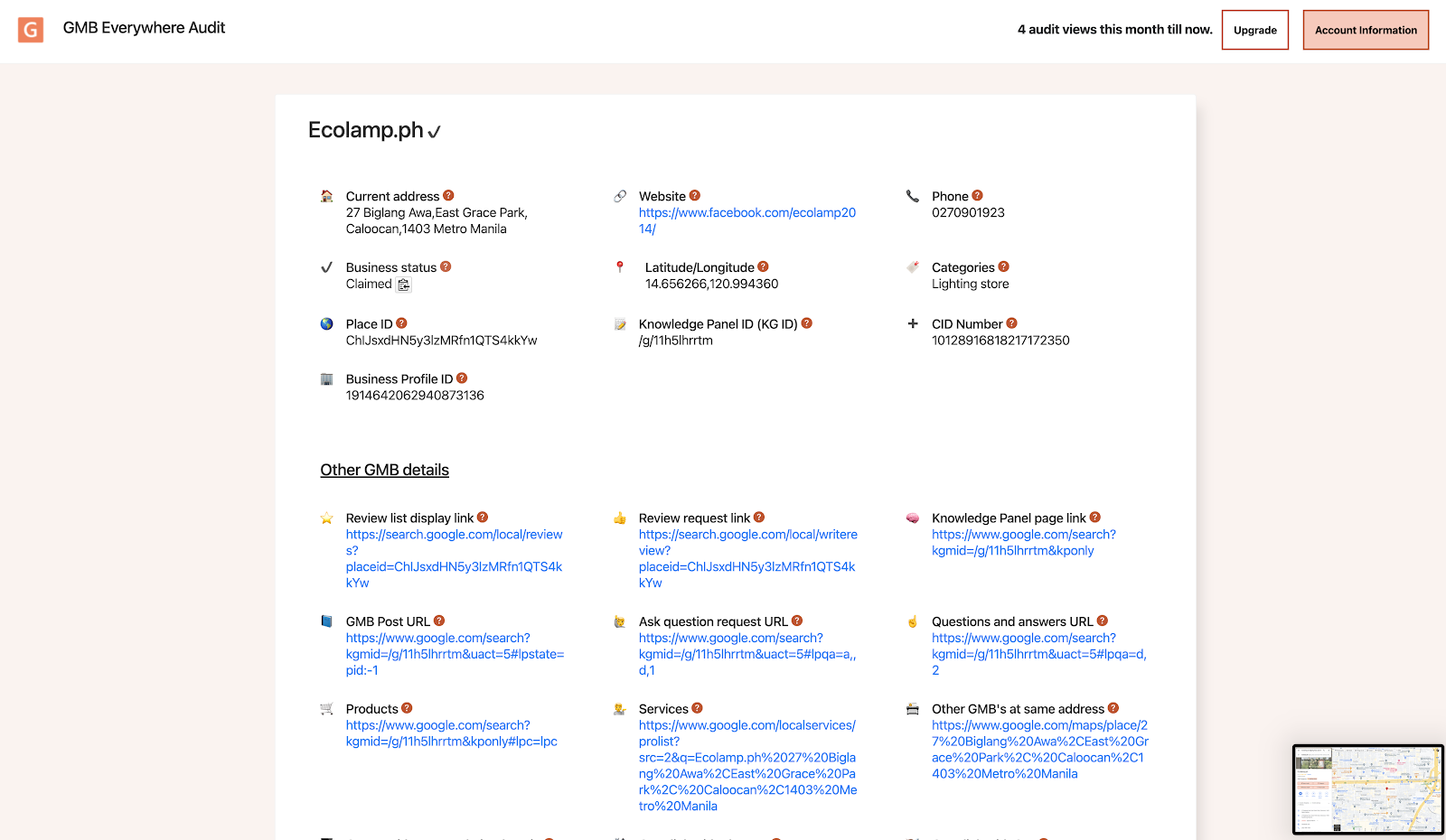
The screenshot shows the Basic Audit screen.
In the Other GBP Details section, you will see important information about the profile, including the Products link. Clicking this will open a new tab showing the associated product listings for that profile.
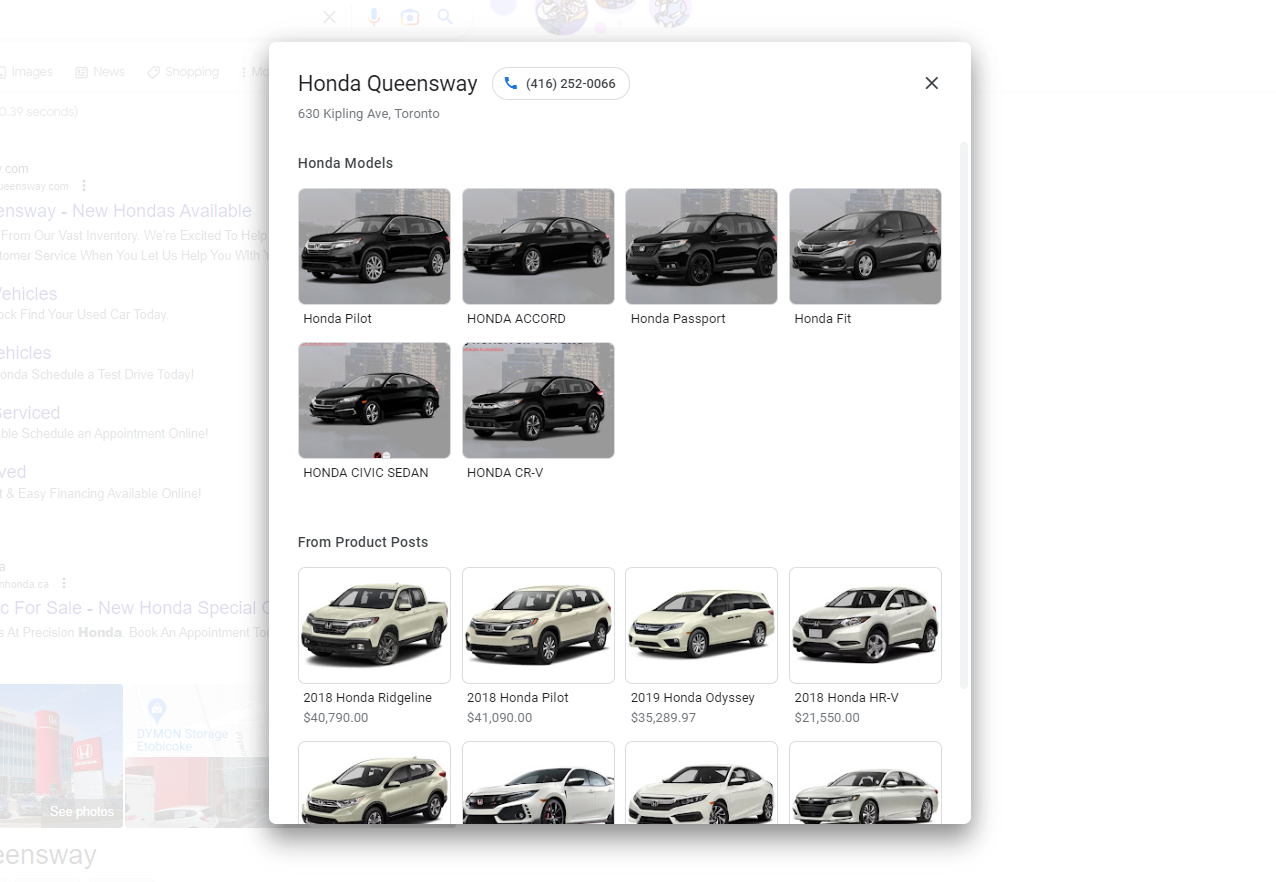
The screenshot shows the different products.
Note that if a business does not have a Products section set up, the popup won't show any products. Not every business is required to have a Product section — it simply means they haven't added any products yet. You can also find services assigned to a Google Business Profile using the same audit tool.
Tips to Optimize Your Google Business Profile Product List
Now that you know how to find and access the Product section, here are some tips for making your own product listings as effective as possible.
a) Choose the right product images
Selecting high-quality product images is crucial when optimizing your product listings. Make sure your images are clear, accurate, and depict the product well. You can add up to ten images per product listing.
b) Write compelling product descriptions
When writing product descriptions, focus on the benefits of the product rather than just its features. Use descriptive language, highlight unique selling points, and keep the description concise and easy to understand.
c) Add product attributes and relevant information
Incorporating product attributes such as size, color, and material can help potential customers find what they're looking for easily. Fill out all relevant details such as pricing, availability, and shipping information.
d) Keep your product inventory up to date
Keeping your product inventory current is vital. If a product is out of stock, remove it from your profile to avoid confusion or frustration from potential customers.
Benefits of Google Business Profile Product Listings
a) Improved search visibility
Adding product listings to your Google Business Profile can improve your search visibility. When a user searches for a product or service related to your business, your profile may appear in search results with your product listings prominently displayed. This can increase your chances of getting clicks and driving traffic to your website.
b) Enhanced user experience
By adding product listings to your profile, you give potential customers more information about your offerings before they visit your site. This makes it easier for them to decide whether your business has what they're looking for and can increase the chances they follow through. You can also add and optimize services on your Google Business Profile to further improve how your listing looks to potential customers.
Conclusion
Optimizing your Google Business Profile with product listings is a great way to showcase your offerings to potential customers and improve your search visibility. By following the tips in this article and keeping your product section current, you can give your business a stronger presence in local search results. Check our guide articles for more ways to get the most from your profile.