A Google Business Profile that never gets updated can quickly fade from view. Google's mobile layout now places your latest Post directly under your business name — pushing reviews further down and making fresh content the first thing people see. This prime position grabs attention from mobile users right away.
Consistent, relevant Posts show customers you're active and signal to Google that your business deserves visibility. You don't need a full marketing team to stay consistent — GMB Everywhere's AI Post Generator helps you plan and publish effortlessly. This guide covers the Post types available, how to craft visuals, how often to post, and how to keep things simple.
Understanding Post Types and Their Roles
Google supports four main Post types: Update, Offer, Event, and COVID‑19/Safety. Each type serves a clear purpose and helps you share the right kind of information with your audience.
- Update Posts — Great for sharing news, tips, or announcements. You can write up to 1,500 characters, but for mobile keep it short — under 100 words is ideal so people can quickly scan.
- Offer Posts — Perfect for promos and discounts. These let you add terms, promo codes, and expiration dates. Use the "View Offer" button — Google will automatically hide the Post after the offer expires.
- Event Posts — Used for webinars, store events, or workshops. You'll need to input a start and end date. Upload a vertical image (1080 × 1350 px) to make it display crisply on phones.
- COVID‑19/Safety Posts — Still available if you need to share urgent updates, health guidelines, or operational changes.
Crafting Your Visuals for Maximum Impact
Pairing strong visuals with concise text makes your Posts stand out. Follow these media guidelines:
- Images — Use JPGs at 1200 × 900 px (4:3 ratio), under 300 KB. Keep the main subject centered in the middle 80% — Google may crop edges, especially on mobile.
- Videos — Keep them under 30 seconds, max 75 MB, in MP4 format at 720p or better. Make sure the first three seconds include your key message to hook viewers quickly.
These specs help your Posts load quickly and look sharp across devices — especially important for mobile users who move fast.
Finding Your Ideal Publishing Cadence
Posting consistently is more important than posting often. Here is the rhythm that works best:
- Minimum: One Post per week
- Ideal: Two Posts per week (for example, an Update on Tuesday and an Offer or Event on Friday)
Speed Up Drafting with AI
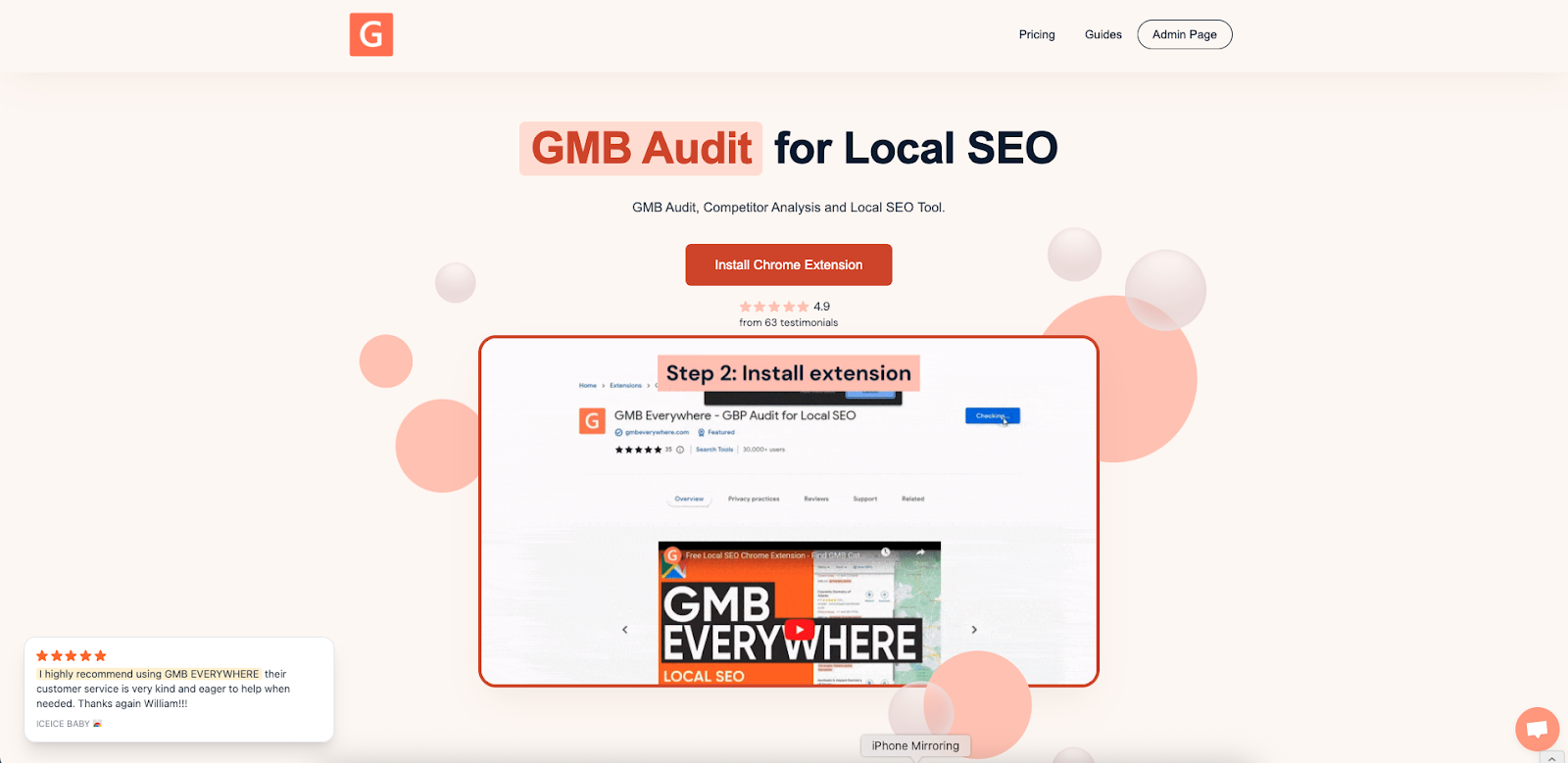
Running low on time or ideas? Let the AI do the work. If you haven't already, install the GMB Everywhere Chrome Extension and pin it to your browser for easier access.
Then go to the GMB Everywhere AI tools page.
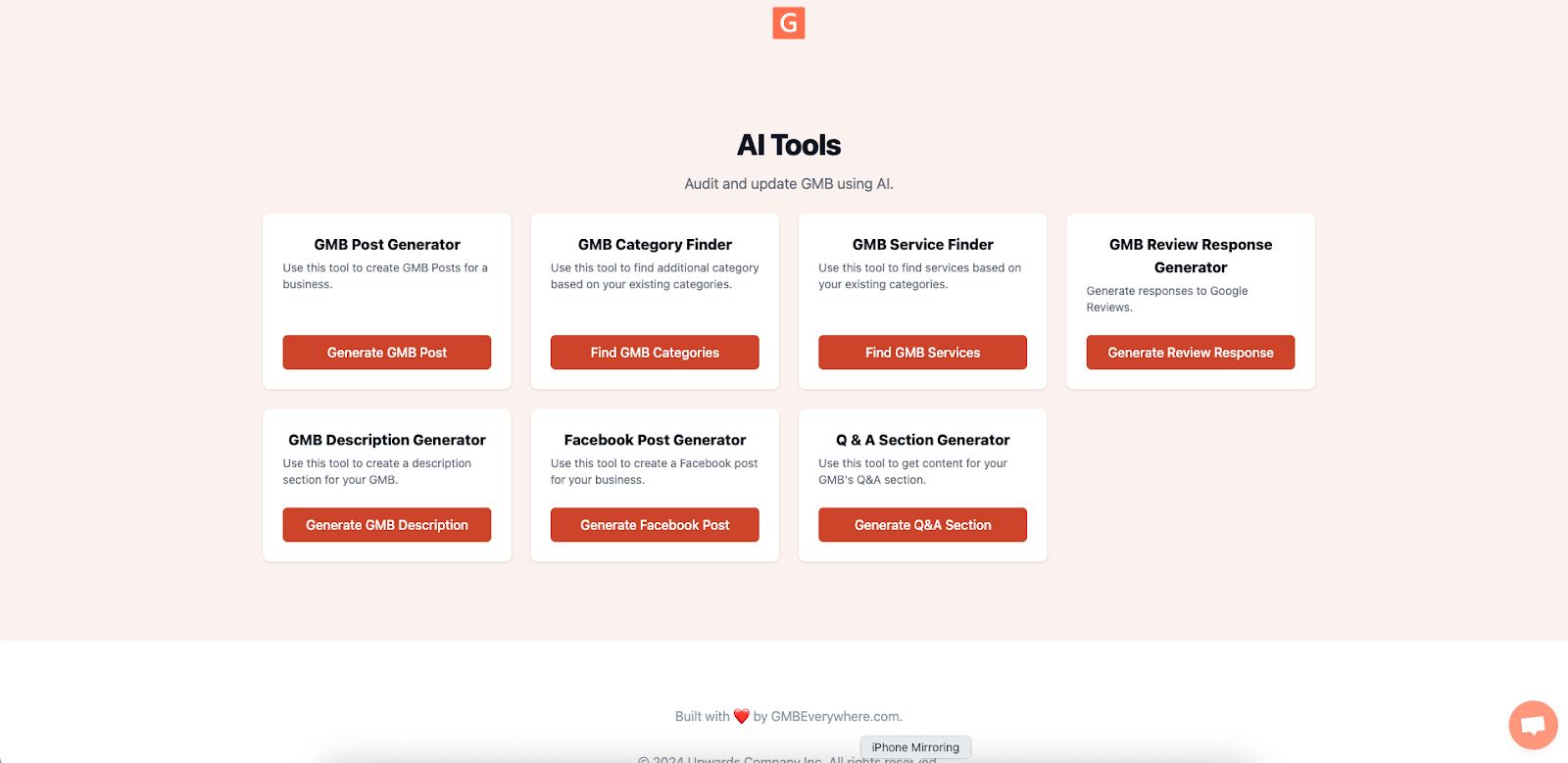
Click GMB Post Generator. Enter your business name, choose the Post type (Update, Offer, or Event), and add any relevant notes (for example, "Summer cold brew launch"). Pick a tone — Friendly, Professional, Playful, etc. — and click Generate Post.
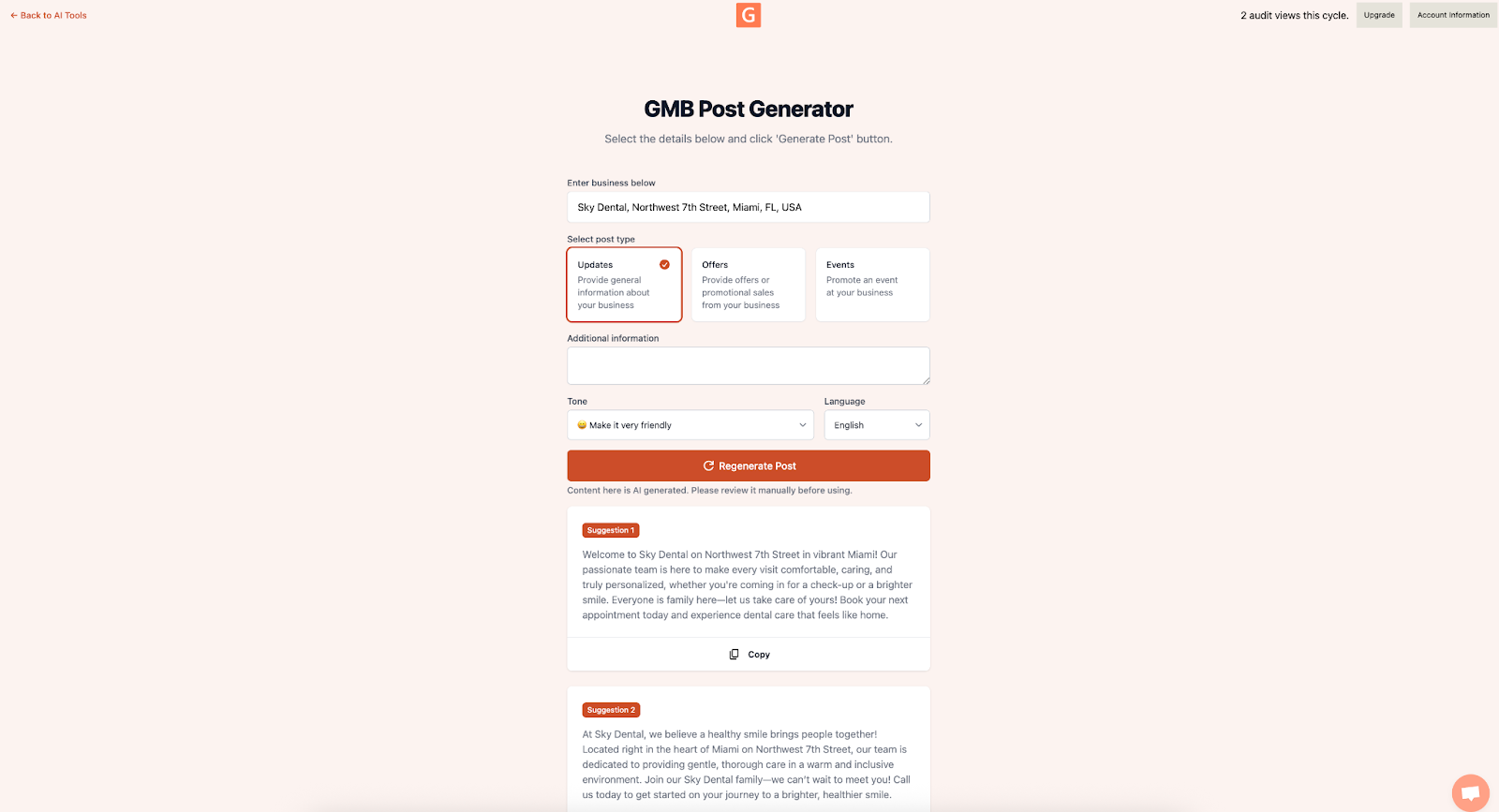
In seconds, you'll have a ready-to-use draft. Copy it into your GBP dashboard, add a visual, and publish. You can create a quality Google Business Profile Post with AI in under a minute.
Measuring Your Impact
After posting, head to your GBP Insights and check the Posts tab:
- Post Views: Track week-over-week to see if visibility is growing.
- Button Clicks: For Offer Posts, aim for a minimum 3% click-through rate (CTR).
- Recency Check: Google shows the date of your last Post publicly. Don't let this go past seven days — freshness matters. This is also why keeping your reviews active alongside your Posts compounds your local visibility.
If you're not seeing traction, revisit your copy, images, or posting times. Small tweaks can make a meaningful difference.
Final QA Before Hitting Publish
Before you click "Publish," double-check the following:
- Is your image exactly 1200 × 900 px and under 300 KB?
- Is the text short (preferably under 100 words) and easy to skim?
- Are you following Google's promotional content rules? (No ALL CAPS, phone numbers, or gimmicky formatting)
-
Did you include a UTM-tagged button link? (for
example,
?utm_source=google&utm_medium=post&utm_campaign=summer2026) - Is spelling and grammar clean?
Spending one extra minute here can save hours of fixing or reposting later.
Conclusion
Regularly updating your Google Business Profile with engaging Posts turns it from a static listing into a live channel for connecting with your audience. With a consistent weekly cadence, you'll always have relevant, high-quality content showing up at the top of your profile.
With tools like GMB Everywhere's AI Post Generator, there's no reason to miss a beat — even when you're short on time or ideas. Browse our guide articles for more ways to get the most out of your profile.