In this article, we'll show you how to find the Question & Answer link for a Google Business Profile and how to get the most out of this feature. You can also generate FAQs for your Q&A panel automatically using GMB Everywhere's AI tools.
What Is the Question and Answer Feature?
By setting up a Google Business Profile, your business can show up in Google search results and on Google Maps, making it easier for new customers to find you. One of the key features available is the Question and Answer (Q&A) section. This feature lets businesses communicate directly with potential customers by answering their questions right on the listing.
Using the Q&A feature is a valuable tool for businesses because it enables them to engage with potential customers and establish trust and credibility with their target audience. By responding promptly to questions and providing accurate information, businesses can show that they value their customers and are committed to providing excellent service.
Regularly monitoring and responding to questions can also improve a business's ranking on Google. Google prioritizes businesses that are active on their profile and engage with customers. By using the Q&A feature effectively, businesses can show that they are a relevant and reliable source of information, which can lead to higher visibility and more website traffic.
Providing helpful responses to potential customers through the Q&A section can also attract more customers to your website or physical location. The information in the Q&A section helps customers make informed decisions about whether to visit your business.
Finding the Q&A Link with GMB Everywhere
The GMB Everywhere Chrome extension is an easy way to manage your Google Business Profile information and audit your listing. One of its most useful features is the ability to view important profile details in one convenient location — including the Place ID, Customer ID, Business Profile ID, Knowledge Panel ID, and the Q&A link.
With easy access to the Q&A link, you can monitor and respond to customer questions promptly, which leads to higher visibility and more trust from potential customers.
How to Find the Q&A Link
To find the Q&A link, you'll need the GMB Everywhere Chrome extension installed. Head to gmbeverywhere.com and click Install Chrome Extension.
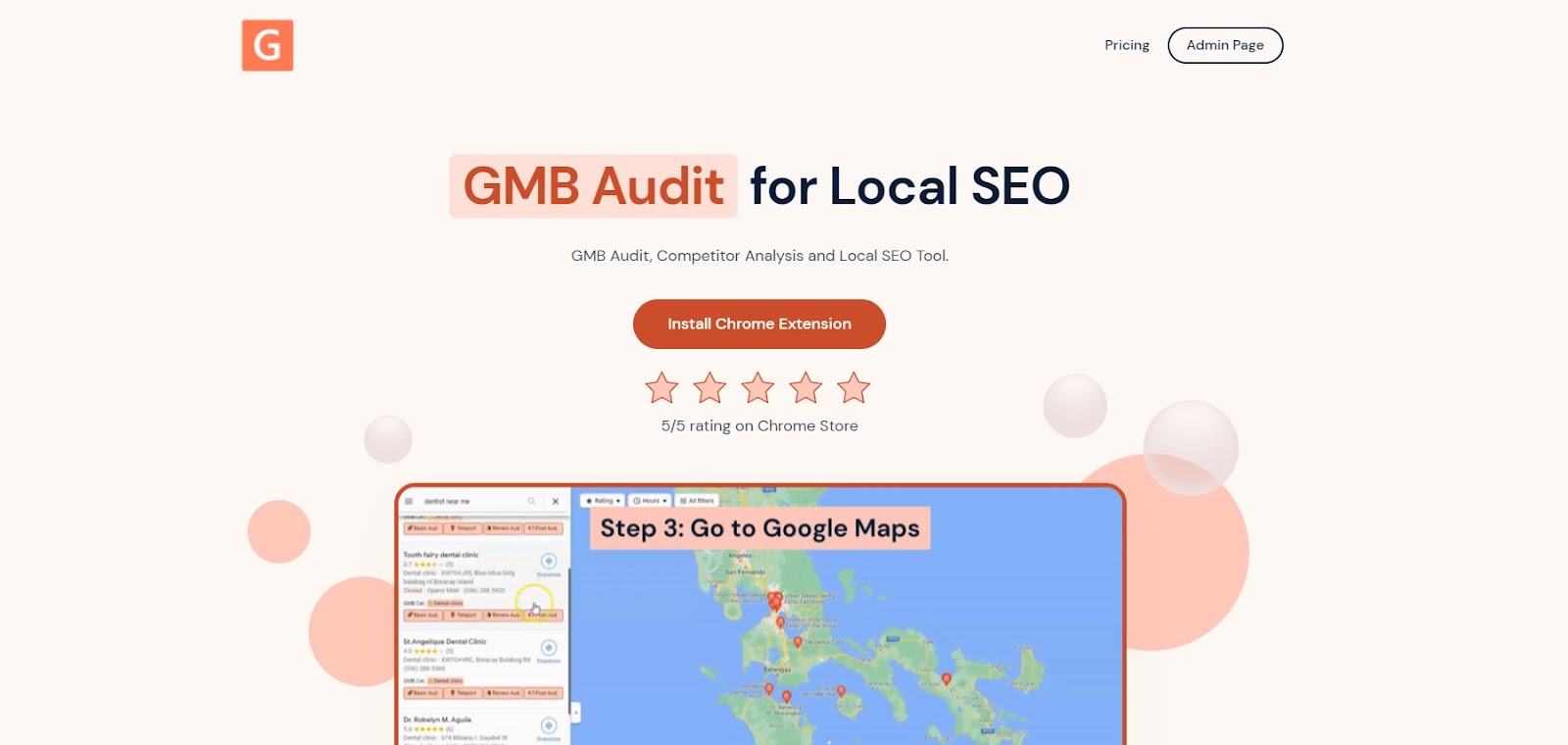
The screenshot shows the homepage from which you can download the GMB Everywhere extension.
A new tab will open the Chrome Web Store page for the GMB Everywhere extension. Click Add To Chrome.
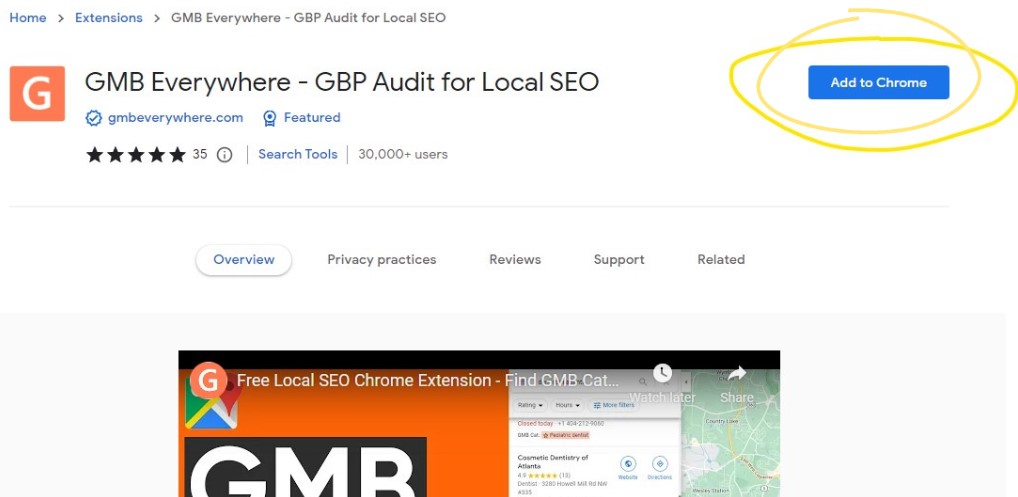
This screenshot shows the installation of the extension.
After successful installation, go to maps.google.com and search for your business.
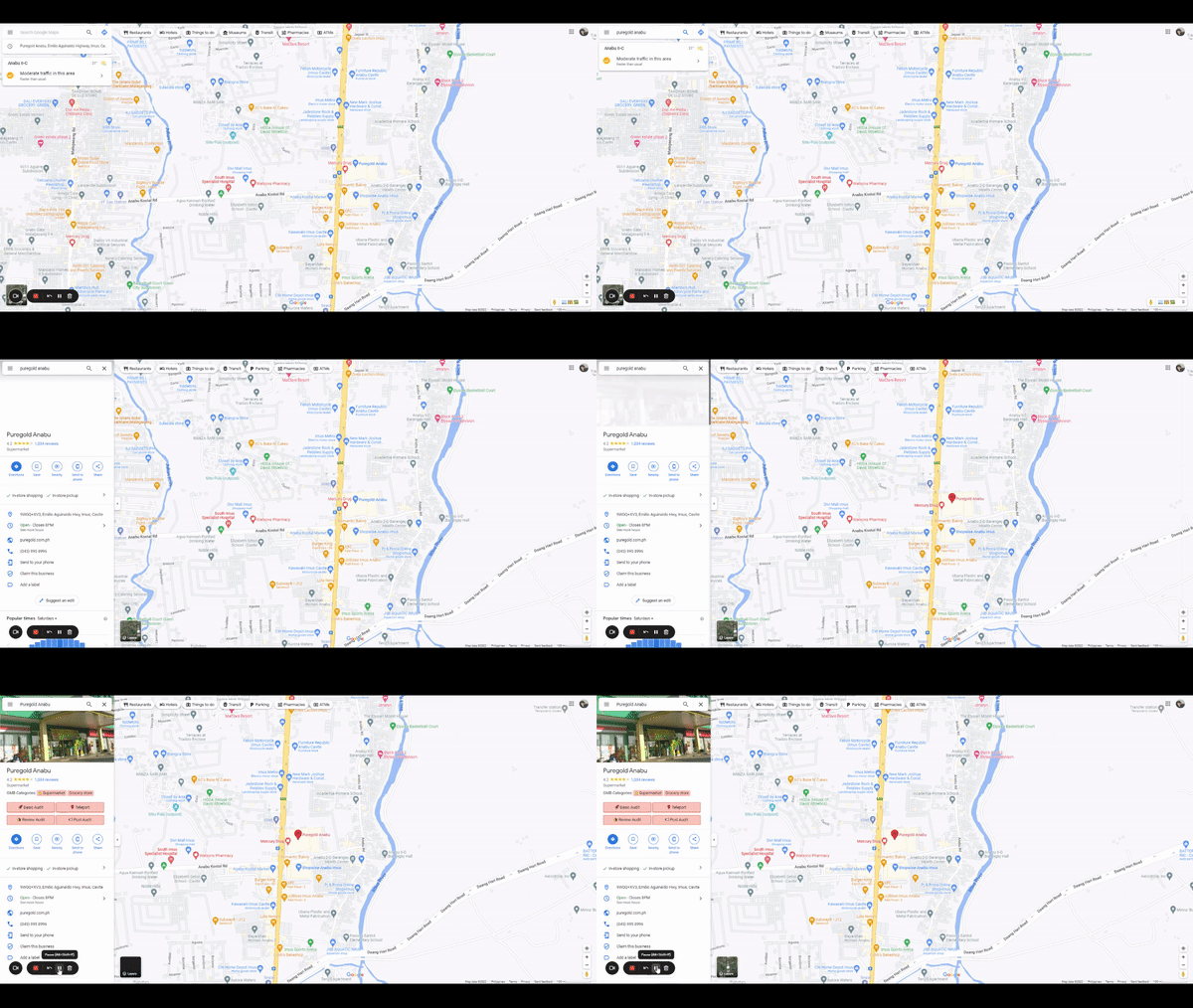
The screenshot shows the GMB Everywhere buttons showing up on Google Maps.
On the left pane search results, you will see several GMB Everywhere buttons. Click the Basic Audit button.
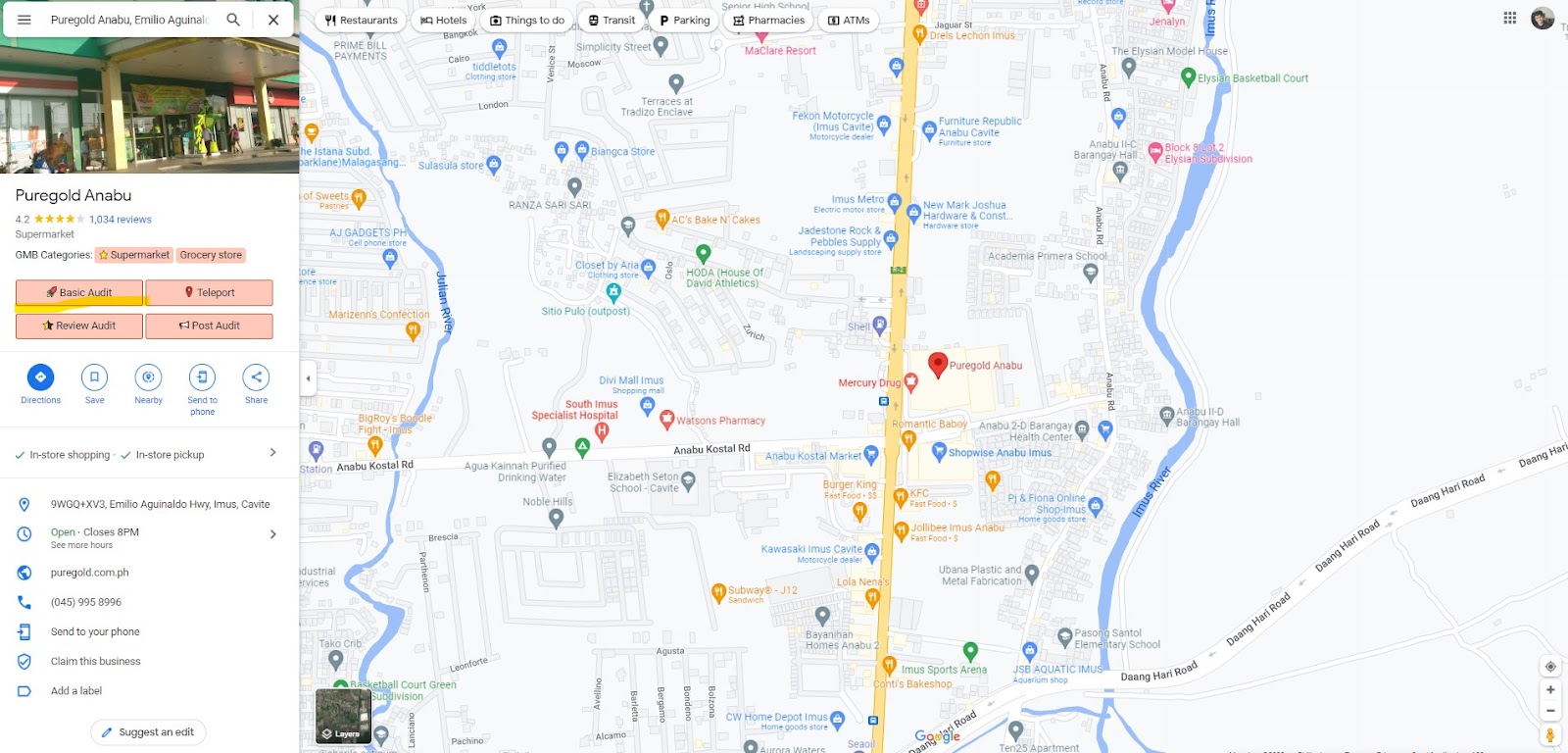
The image shows the Basic Audit button.
This will open the audit page, which includes your profile information, audit links, and more. At the top of the page you will see important profile details, including the Knowledge Panel ID and the Q&A link.
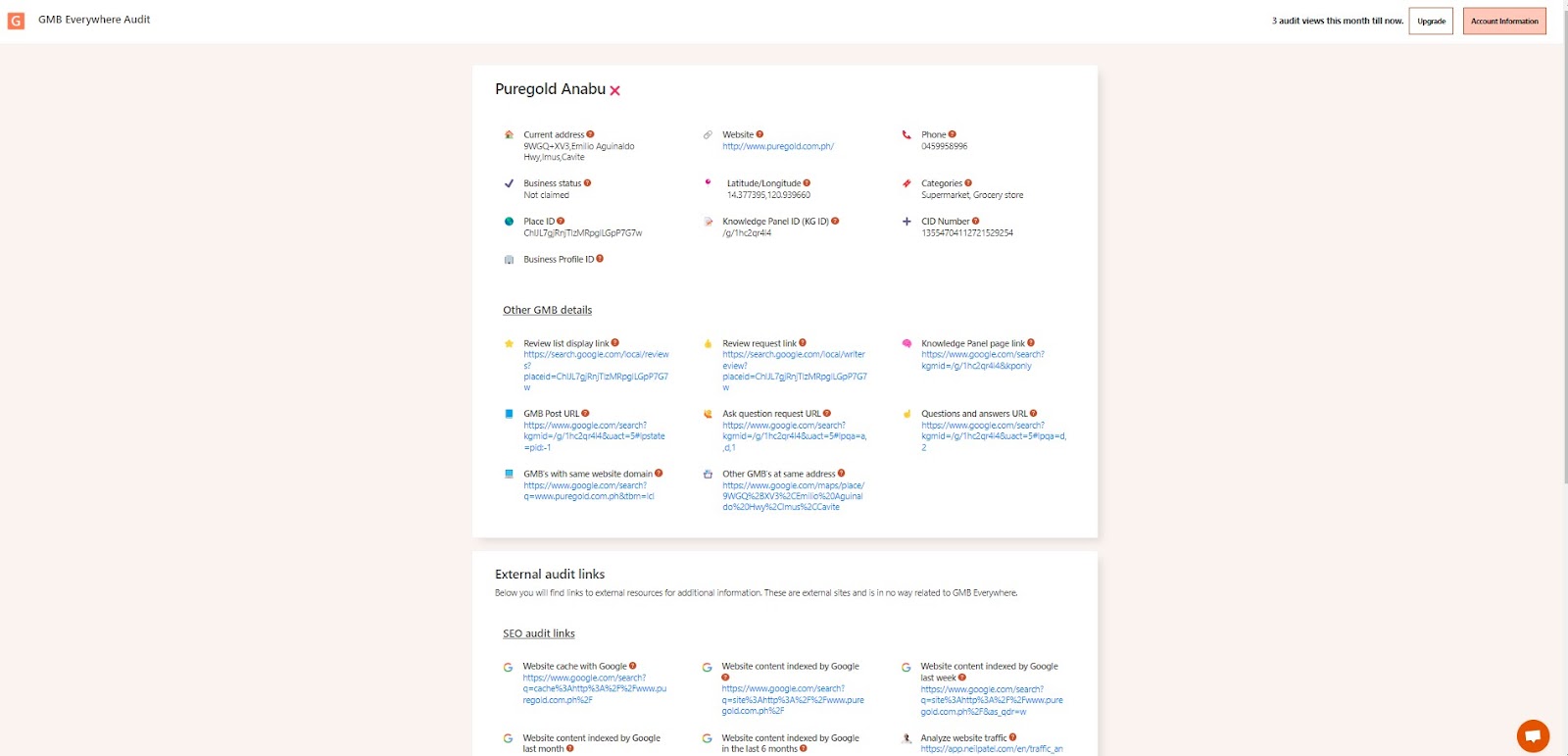
The screenshot shows the Basic Audit result page.
Tips for Using the Q&A Feature
To get the most out of the Q&A section, here are some best practices to follow.
Monitor your listing regularly
Stay on top of any customer questions that come in. Prompt and accurate responses demonstrate your commitment to customer service and enhance your online credibility.
Use professional and friendly language
Maintain a positive tone when responding to questions. This helps establish a good rapport with potential customers and ensures they get accurate, helpful information.
Include relevant keywords
Incorporating relevant keywords into your Q&A responses can help improve your search ranking. Google prioritizes active listings with engaged businesses, treating them as reliable sources of information.
Provide detailed and helpful responses
Give customers enough information to make an informed decision. Detailed answers position your business as a trusted authority in your industry and improve your credibility.
Encourage customers to ask questions
Actively prompting customers to use the Q&A section can improve your online visibility. When you engage with questions regularly, it signals to Google that your listing is active and helpful.
Why Is the Q&A Feature Important?
Engage with potential customers and build trust
The Q&A feature lets you engage with potential customers and build trust with your target audience. By responding to questions promptly and providing accurate information, you show that you value your customers and are committed to providing exceptional service. This helps establish a positive reputation and increases customer loyalty.
Improve your search ranking on Google
Regularly monitoring and responding to questions on your profile shows Google that you are relevant and a reliable source of information, which can help boost your search ranking. Google favors businesses that actively engage with customers on their listing.
Attract more customers to your website or location
Potential customers often have questions before they make a purchase or visit a business. By providing helpful answers in the Q&A section, you give them the information they need to make a confident decision — which can increase both conversions and foot traffic.
Conclusion
The Q&A feature is a valuable tool for attracting and engaging potential customers. By regularly monitoring your listing, providing professional and helpful responses, and encouraging customer questions, you can maximize the effectiveness of this feature and strengthen your online presence. For a faster way to populate your Q&A section, try the GMB Everywhere FAQ generator, and check our guide articles section for more tips.